15
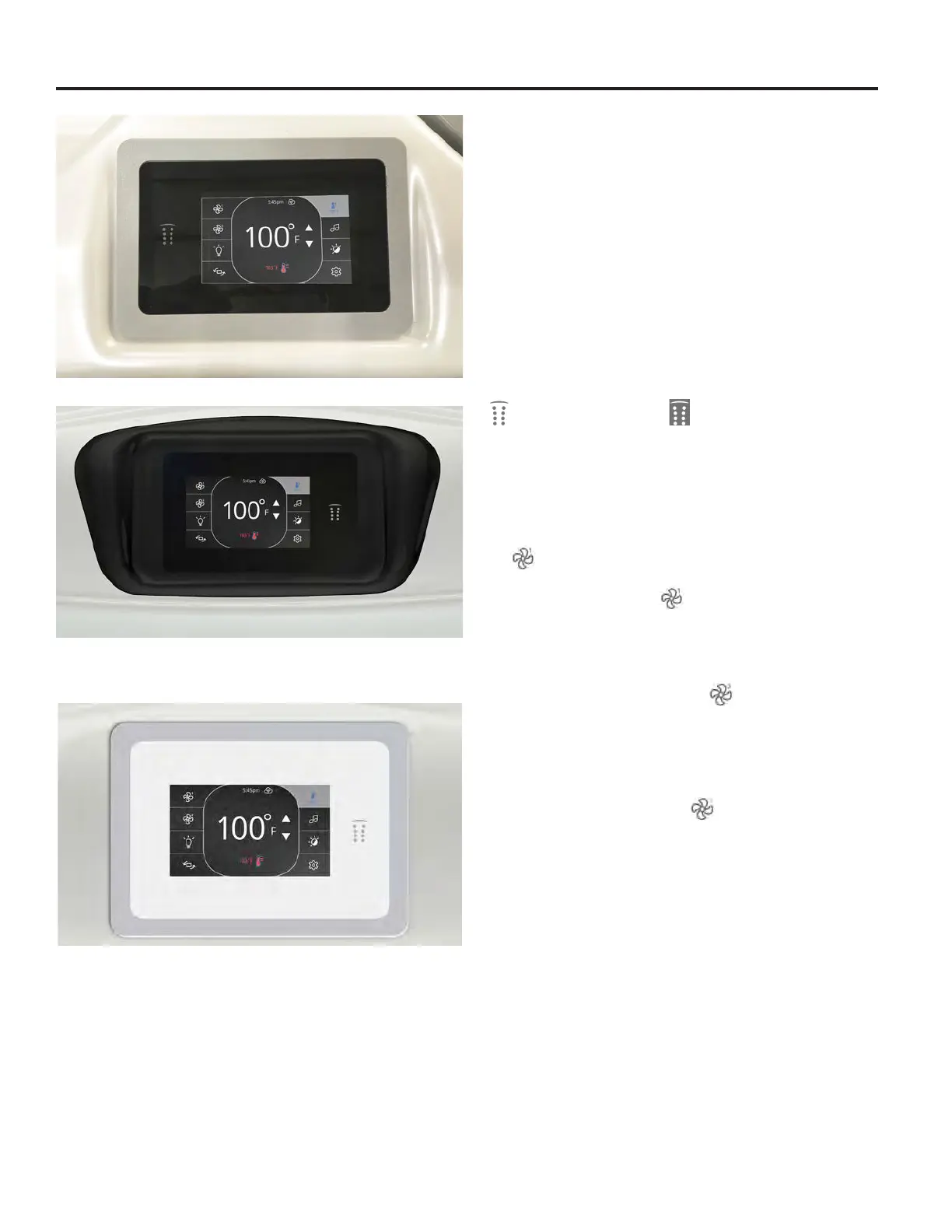
M Series Control
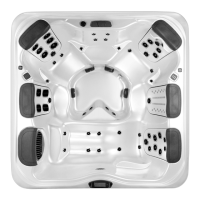
A Series Control
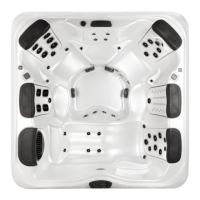
STIL Control
IMPORTANT: Your Bullfrog Spa is equipped with one of 3
types of main control systems that correspond to the spa series.
Locate the control system on your spa by matching it with the
photo provided under each control panel section and follow the
specic instructions in that section for operation of your spa.
Start Up
Fill the spa to its correct operating level. Be sure to open all
valves in the JetPaks and all other jets in the spa before lling to
allow as much air as possible to escape from the system during
the lling process. For details see “Filling your spa” section. After
turning the power on at the main power panel, the control panel
display will go through an initializing sequence. is sequence
displays information regarding the conguration of the hot tub
control. After a few seconds, your control will display a standard
status screen with time, jet and light status, temperature status,
operation mode, etc.
Power
Tap screen to wake up the control. Touch and drag the logo icon
to the reverse logo icon to unlock and access controls.
After 30 minutes without activity the touch control will shut o.
Priming the Pumps
Pumps must be primed directly after lling to ensure correct
operation of your spa. After initial start up, verify that the home
status screen appears on the panel. To prime the pumps press
the
“Jets 1” button once to prime in low-speed. After the
pump turns on and water is visibly owing from the jets wait a
few seconds and then press
“Jets 1” again to initiate high-
speed operation of Pump 1. e pump has primed when water is
owing from the jets.
If your spa is equipped with a second jet pump repeat the priming
process for Pump 2 by pressing the
“Jets 2” button once to
turn on low speed and then a second time to turn Pump 2 on
high.
If you have the M9, M8, or A9L models your spa will be
equipped with 3 jet pumps. To prime pumps 1 and 2 follow
the instructions above. Press the
“Jets 3” button to prime
the third jet pump. All pumps will have primed when water is
observed owing from the jets associated with each pump.
IMPORTANT: Pumps should not be allowed to run without
priming (no water owing out of the jets) for more than 2
minutes. Doing so may cause damage to the pump(s).
NOTE: Sometimes momentarily turning the pump o and
on will help it to prime. Do not do this more than 5 times. If the
pump(s) will not prime, shut o the power to the spa and call for
service.
M SERIES, A SERIES, STIL TOUCH CONTROLS



 To Next Page