Page 26
SET NEW RECIPE
If not using a Smart Funnel and/or a G9-2T DBC or
MGH Grinder and/or a Recipe Card
It is possible to operate the brewer without using a
Smart Funnel and/or G9-2T DBC or MHG Grinder.
If a standard funnel or if a non-DBC grinder is used
the brewer will automatically select the standard NO
NAME COFFEE recipe when the assigned brew button
is pressed. This means that no name was read from
the funnel’s handle.
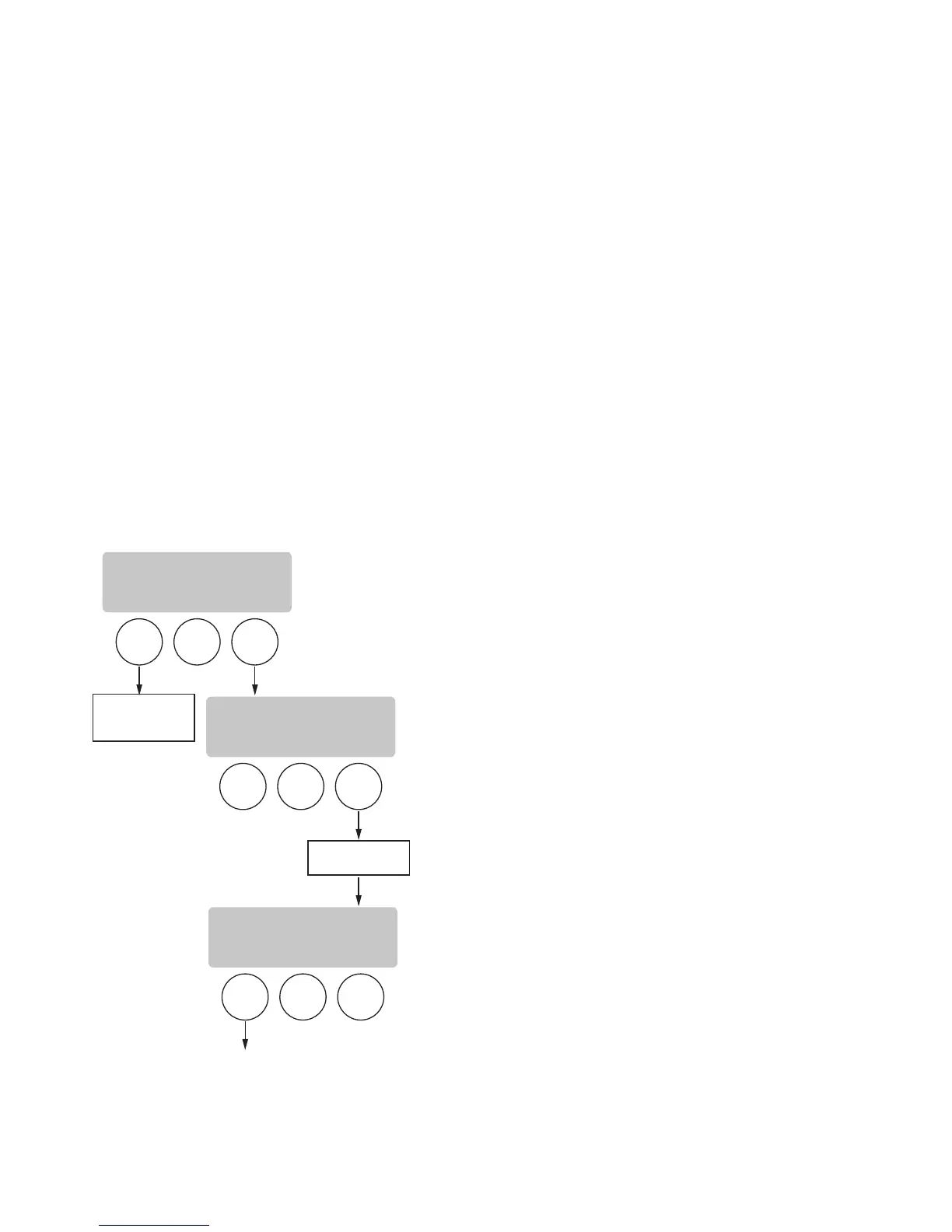
For instructions on programming the NO-NAME COF-
FEE settings, refer to the REVIEW RECIPES function
on page 26. The same steps are followed for setting
the NO-NAME COFFEE recipe as those that are used
to modify a recipe. Note that when the display reads
NO-NAME COFFEE, that is when MODIFY should be
pressed in order to set the parameters.
NOTE: Before beginning setup, insert a funnel into the
funnel rails and place a server or airpot beneath the
brew funnel.
BREW
A
BREW
B
BREW
C
BREW
A
BREW
B
BREW
C
BREW
A
BREW
B
BREW
C
EXIT TO
NEXT FUNCTION
SCREEN
REVIEW RECIPES?
NO YES
NO NAME COFFEE
MODIFY SHOW NEXT
(COFFEE NAME)
MODIFY SHOW NEXT
SCROLLS THRU ALL
COFFEE RECIPES
SET UP BREW VOLUMES, BYPASS PERCENTAGES,
PULSE BREW TIMES, AND DRIP OUT TIME
P3084



 To Next Page