13
Password
From this screen, the operator must know the password before moving on to the remaining functions. The
range is from 0 - 9999 with the factory default being 0.
Set Language ? (Late Model Dispensers)
The setting of the Set Language mode allows the operator to scroll thru a list of languages stored in the
software and select one for the display messages.
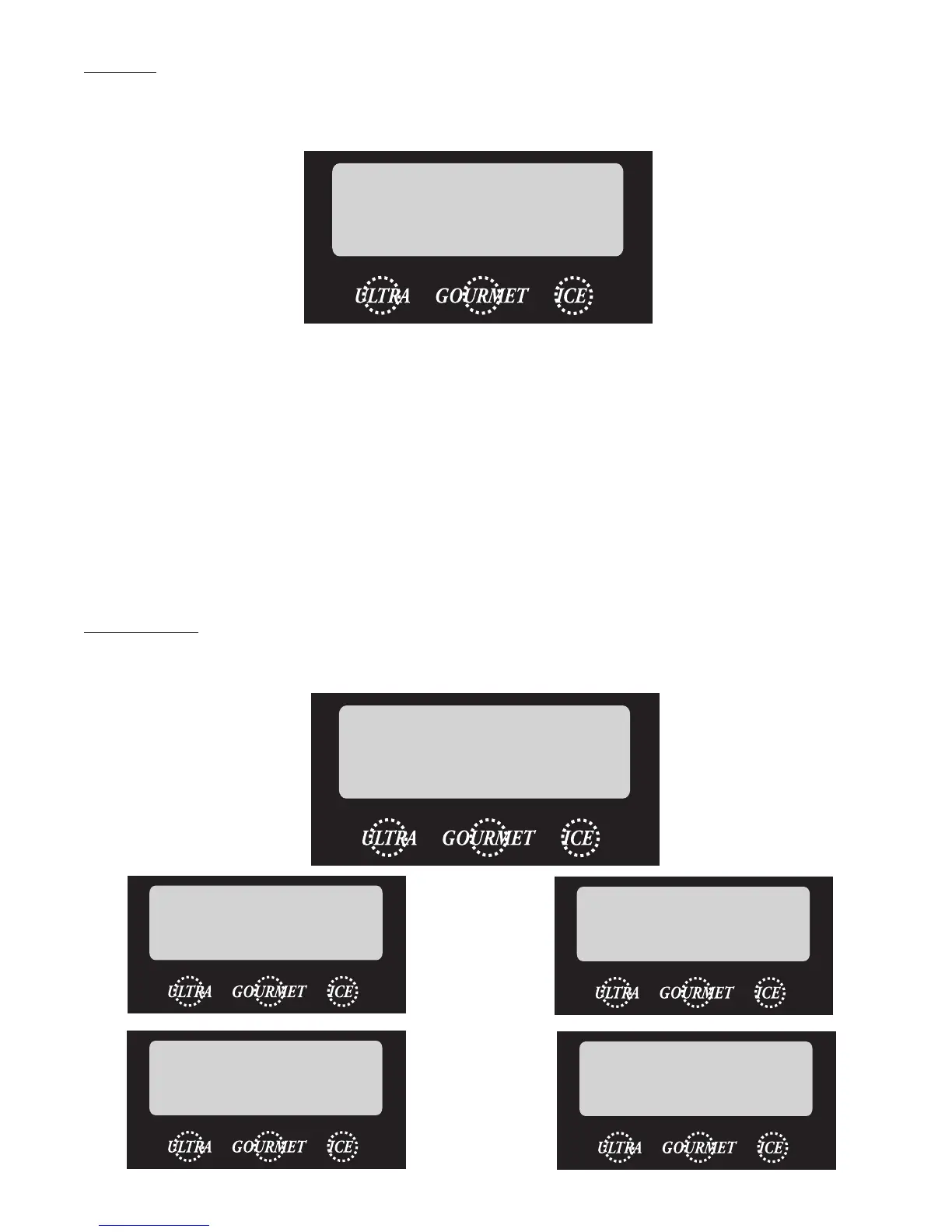
PASSWORD 0
(-) NEXT (+)
SET LANGUAGE ?
NO YES
ENGLISH
(-) SELECT (+)
ESPANOL
(-) SELECCIONE (+)
CHANGE LANGUAGE?
ARE YOU SURE?
CHANGE LANGUAGE?
NO YES
32080.0001 021105




 To Next Page