8
Supported Formats Setting the volume level
Full compatibility with DVD, CD, Kodak picture
CD, CD-R & CD-RW
Multi-language, multi-angle, multi-subtitle,
multi-mode of image zoom, parental control
Charging the built-in battery
7KH&'9':6:LV¿WWHGZLWKDEXLOWLQ
rechargeable battery.
Before using the battery, please make sure it is
IXOO\FKDUJHG
Slide the power switch to the OFF position and
connect the DC adaptor to the DC input (28) &
mains supply. When the battery is fully charged the
red LED charging indicator will go off.
NOTE:
1. The battery can only be charged when the power
switch is set to OFF.
2. If the unit is not in use for a prolonged period of
time, it is recommended to charge the built-in
battery every three months.
Getting started
6OLGHWKHPOWER switch to the ON position to
turn on the player ( the green power LED will light
up).
3UHVVWKHGLVFOLGEXWWRQWRRSHQWKHGLVFWUD\
3ODFHD'9'GLVFRQWRWKHGLVFWUD\ODEHOIDFLQJ
upwards).
&ORVHWKHGLVFWUD\DQGWKHSOD\EDFNVWDUWV
automatically.
:KHQDPHQXVFUHHQDSSHDUVRQWKHVFUHHQXVH
the navigation buttons to select the menu option
\RXUHTXLUHWKHQSUHVVWKHPLAY/PAUSE button
to start playback.
User Instructions
1. Use the VOLUME - / + buttons on either the
main unit or remote to increase or decrease the
listening level.
2. Use the MUTE button to silence the audio, press
again to resume.
Skipping forward and back
Press either PREVIOUS
or NEXT buttons
during playback to skip a chapter (DVD) or a track
(CD) ahead or backwards.
Rapid advance and reverse
During playback, press and hold either the
or
buttons to initiate fast scan at X2, keep the
button pressed to cycle through X2, X4, X8 X20
DQGQRUPDOVSHHG:KHQ\RXUHDFKWKHUHTXLUHG
speed setting release the button. Press the PLAY/
PAUSE button to resume normal play.
Stopping playback
Press the STOP button on either the main unit
or remote control to stop playback. To resume
playback from the stopped position, press PLAY/
PAUSE again. To reset the playback position
memory press the STOP button twice or open the
disc lid.
Slow motion playback (DVD only)
Press and hold the SLOW button during playback,
WKHGLVFZLOOEHSOD\HGDWQRUPDOVSHHGDW¿UVW
each time this button is pressed (and held), the play
speed becomes slower (down to 1/7 normal speed).
Press the PLAY/PAUSE button, to resume normal
playback.
Repeat playback
1. Press the REPEAT button once during DVD
playback to activate the REPEAT TITLE, press
again to activate REPEAT ALL, once more turns
OFF the repeat function.
2. Press the REPEAT button during CD playback
activates REPEAT TRACK, a second press
activates REPEAT DISC, once more turns OFF
the repeat function.
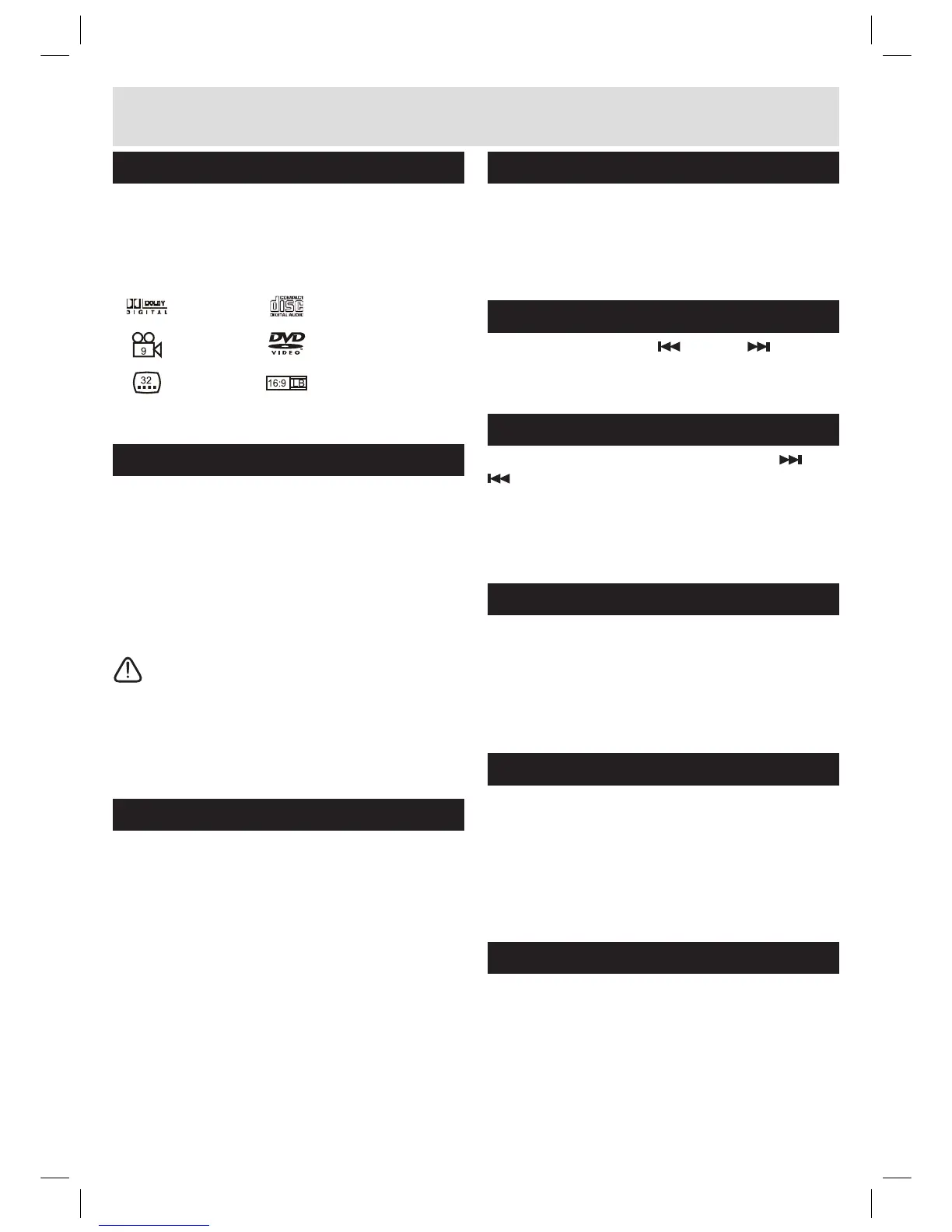
Dolby Digital Audio CD
DVD Video
Multi-Angle
Subtitle Choices
TV aspect ratio modes



 To Next Page