11
Video Playback Listening with earphones
User Instructions
This unit is capable of playing MPEG encoded
videos from the USB or SD/MMC inputs.
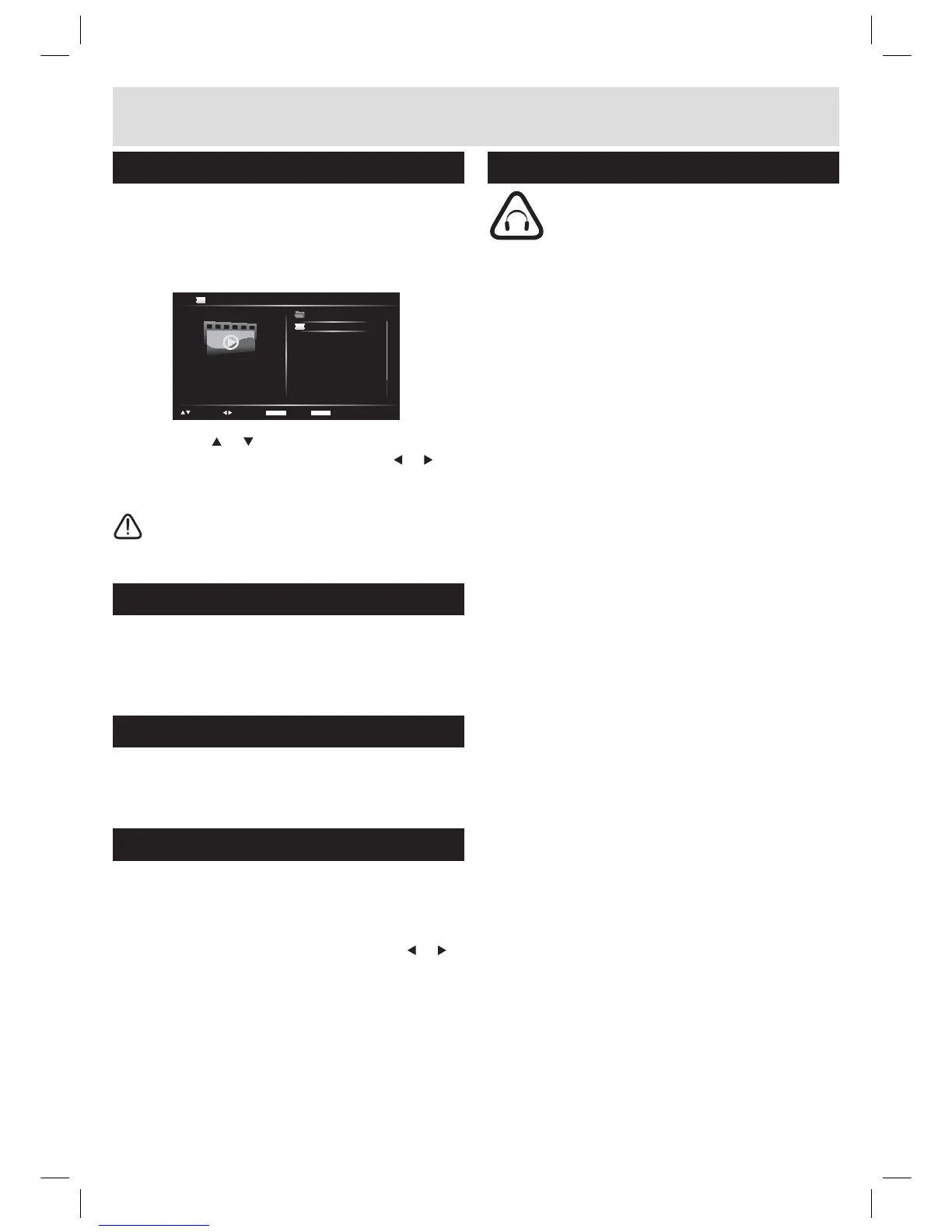
1. Activate the video playback menu from the media
selection screen.
2. Use the the
or navigation buttons to scroll
through the list of videos. Pressing the or
navigation buttons scrolls page UP or DOWN.
3. To start a video press the OK/ENTER button.
NOTE: To return to the media main menu
press the MENU button
Supported video formats and standards
Supported video standard: MPEG1, MPEG2
Supported audio standards: MP1, MP2 & PCM
Supported resolutions: 352 x 240, 352 x 288
Supported media formats
The below memory types are compatible with this
unit. SD, SDHC (up to 16GB), MMC & USB
Switching media inputs
It is possible to switch between inputs.
For example: USB, SD and Disc.
1. Press and hold the STOP button
2. Quickly when the menu appears use the
or
QDYLJDWLRQEXWWRQVWRVHOHFWWKHLQSXW\RXUHTXLUH
3. Press OK/ENTER to select the input.
Ɣ/LVWHQDWPRGHUDWHYROXPHVWRDYRLGKHDULQJ
damage.
Ɣ,I\RXKHDUQRVRXQGGXULQJSOD\LQJGRQRWWXUQ
up volume up as the music may suddenly begin
at a high volume. Excessive sound pressure from
earphones and headphones can cause hearing
loss.
Ɣ7RDYRLGGDPDJLQJ\RXUHDUVDGMXVWWKHYROXPH
to the lowest safe level before playing, and turn
up to the desired level when playback has started.
ENTER PLAY
TITLE BACK
PGUP/DN
SELECT
... [MY VIDEOS] VIDEO_01.MPG
VIDEO_01
...



 To Next Page