10
Press the MENU button to return to the main menu,
press the TITLE button to play the title.
Kodak Picture CD / JPG playback
1. Insert a Kodak Picture CD / JPG Picture CD into
the disc tray
2. Use the navigation buttons to select the
appropriate option when the menu appears.
3. A slide show of the picture CD will begin to play
automatically. To start a slide show at any point
press the OK/ENTER button.
,I\RXZLVKWRYLHZDVSHFL¿FLPDJHWKHQSUHVV
the STOP button to return to the list of folders &
images.
5. Use the navigation buttons to select the image
or folder you wish to view. If the image is within a
folder, press OK/ENTER to open the folder.
Press OK/ENTER again to view the image.
6. As you peruse the images you will notice details
appearing on the left hand section of the screen
VKRZLQJLPDJHUHVROXWLRQ¿OHVL]HDQG'DWH
NOTE: To return to the main menu press the
TITLE button
Additional slide show functions
3/$<02'(6
Press the REPEAT button repeatedly to cycle
through the available play modes. Press STOP to
resume preview mode.
3,&785(527$7,21
Press the
or navigation buttons to rotate the
image Anti-Clockwise or Clockwise.
3,&785()/,3
Press the
or QDYLJDWLRQEXWWRQVWRÀLSWKH
image.
3,&785(=220
To use the zoom function, press the ZOOM button
to activate the default zoom setting ZOOM 2. Every
VXEVHTXHQWSUHVVF\FOHVWKURXJKWKH]RRPRSWLRQV
eg: ZOOM 2, ZOOM 3, ZOOM 4, ZOOM 1/2, ZOOM
1/3 & ZOOM 1/4. The next press will return to the
OFF setting.
6/,'(6+2:75$16,7,216
During the slide show, pressing the PROGRAM
button will cycle through all the available transition
presets.
Return to the main menu (DVD only) USB, SD & MMC operation
User Instructions
To use an external memory stick or SD/MMC card.
1. Switch the unit ON.
,QVHUWWKHPHPRU\GHYLFHLQWRWKHUHTXLUHGVORW
SD/MMC goes into (27) and USB goes into (23).
3. The unit will read the device and start the media
selection screen (unless a disc is present in the
tray, if so then press and hold the STOP button to
activate the media selection menu).
4. Use the navigation buttons to select the
appropriate option when the menu appears.
And press the OK/ENTER button to activate.
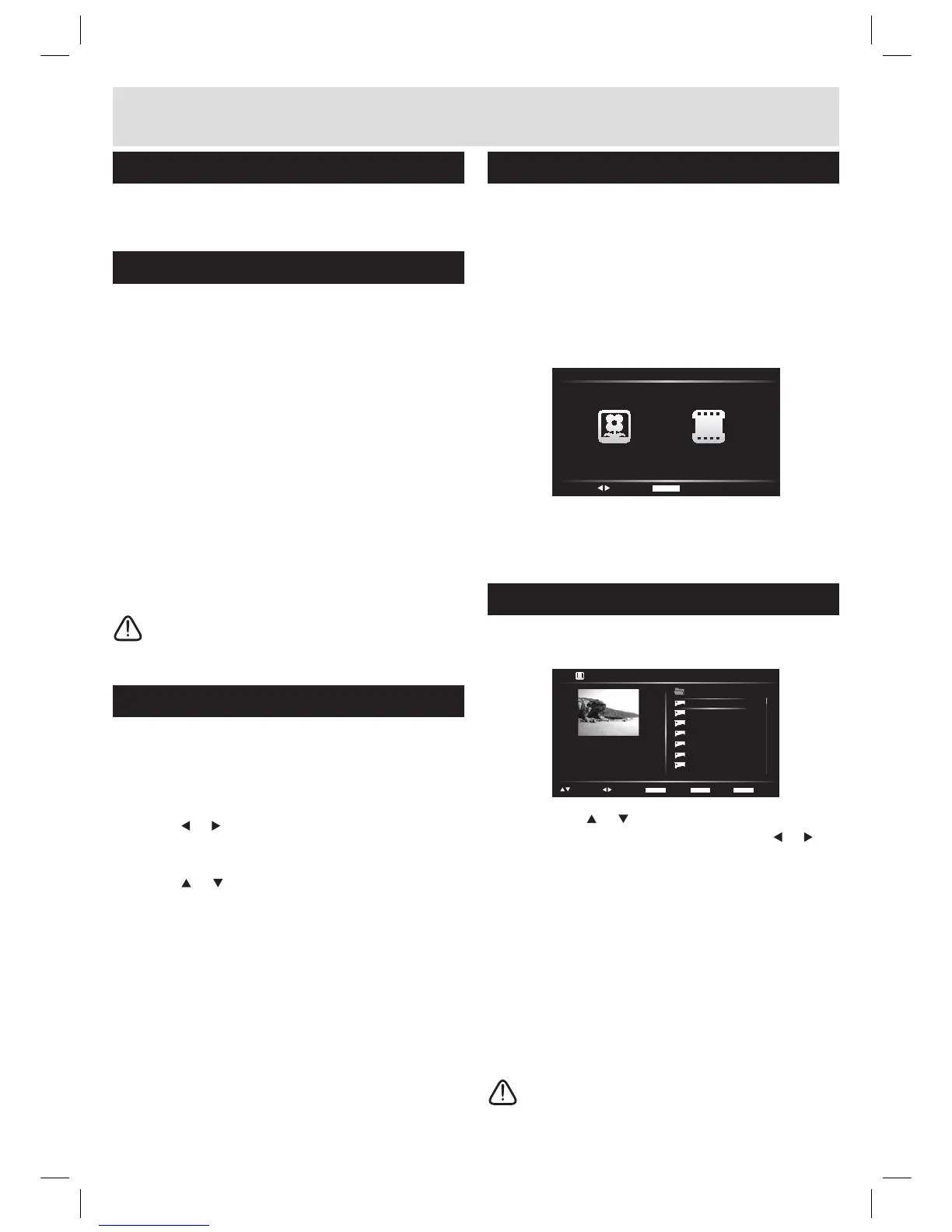
Slide show
1. When the image viewer option is activated you
will see this screen.
2. Use the the
or navigation buttons to scroll
through the list of images. Pressing the or
navigation buttons scrolls page UP or DOWN.
3. To start a slide show press OK/ENTER button.
,I\RXZLVKWRYLHZDVSHFL¿FLPDJHWKHQSUHVV
the STOP or MENU button to return to the list of
folders & images.
5. Use the navigation buttons to select the image
or folder you wish to view. if the image is within a
folder, press OK/ENTER to open the folder.
Press OK/ENTER again to view the image.
6. As you peruse the images you will notice details
appearing on the left hand section of the screen
VKRZLQJLPDJHUHVROXWLRQ¿OHVL]HDQG'DWH
NOTE: To return to the media main menu
press the MENU button
ENTER
ENTER PLAY
TITLE BACK
MENU MODE
PGUP/DN
SELECT
... [FOLDER] 001.JPG
RESO: 800x600
SIZE: 236KB
DATE: 2009:07:20
001
002
003
004
005
006
007
...



 To Next Page