EasyManua.ls Logo

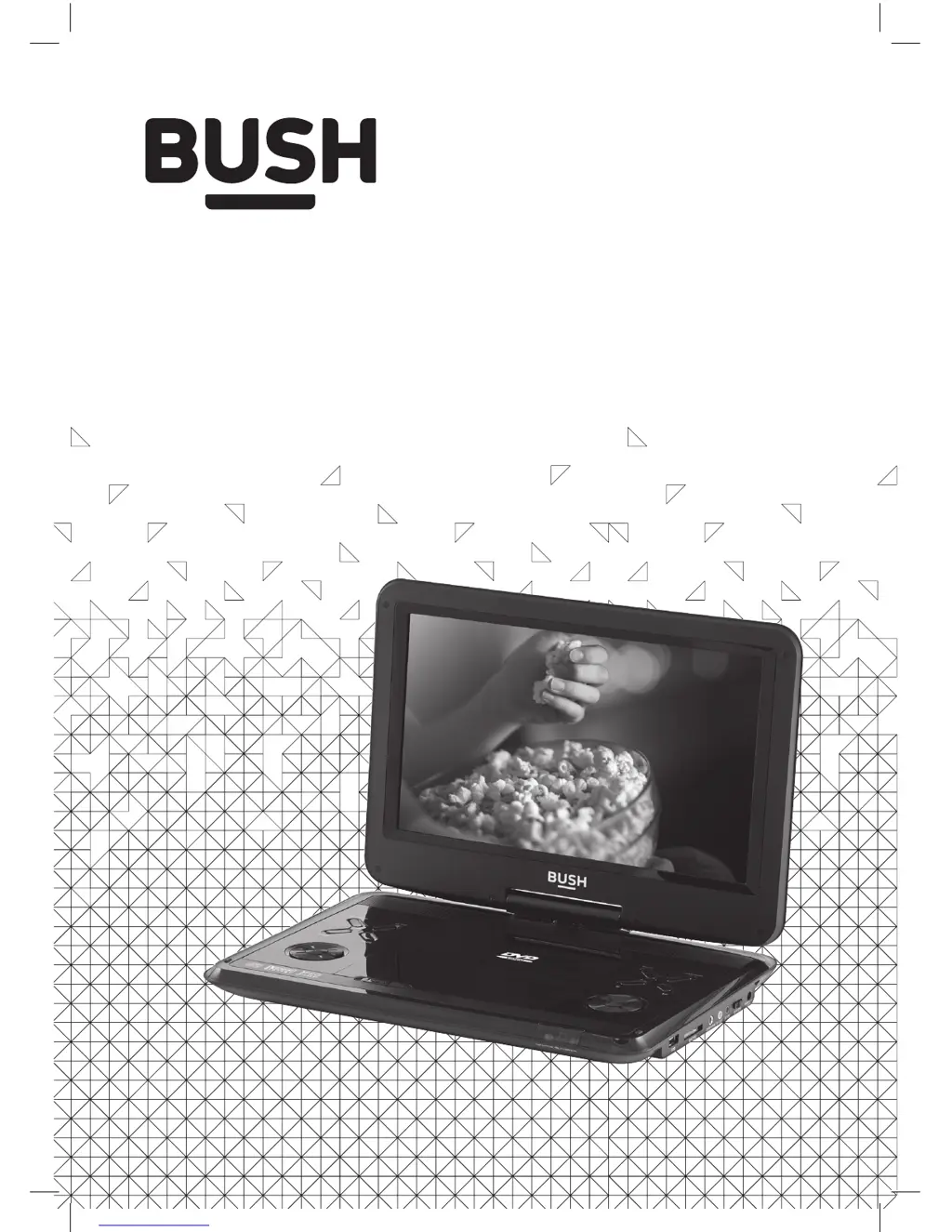
Bush CDVD12SWM - User Manual

Bush CDVD12SWM
15 pages
Print Icon
To Next Page IconTo Next Page
Loading...
Instruction Manual
CDVD12SWM

Questions and Answers

  • B
    Brian JosephAug 12, 2025
    Why is my Bush CDVD12SWM Portable DVD Player remote not working?
    • J
      Jeremy RoseAug 12, 2025
      Your Bush Portable DVD Player remote might not be responding due to several reasons: the batteries may be inserted incorrectly, or they may be low. There might be an obstacle between the remote and the unit, or the remote might be too far away. Also, ensure the remote is aimed at the IR sensor on the unit near the LED indicators. To resolve this, check that the polarities match and the batteries are correctly inserted, replace the batteries, remove any obstacles, and move closer (the range of the remote is approximately 6m).
  • A
    ashley46Aug 19, 2025
    What to do if my Bush CDVD12SWM disc cannot be played?
    • B
      brittany46Aug 19, 2025
      If your Bush Portable DVD Player isn't playing a disc, it could be due to a few reasons: the disc might be loaded incorrectly, it might be unreadable (scratched or dirty), or the disc format might not be supported. Try re-loading the disc with the label facing upwards. Ensure the disc isn't scratched or dirty; clean it and re-insert it, or try another disc. Also, verify that the disc format is compatible.
  • W
    William SmithAug 27, 2025
    What to do if I forgot the pass code for my Bush Portable DVD Player?
    • J
      Justin MendezAug 27, 2025
      If you've forgotten the pass code for your Bush Portable DVD Player, use the default override code ‘1369’.
  • B
    bblankenshipSep 3, 2025
    What to do if my Bush CDVD12SWM Portable DVD Player stops when inserting a USB device or memory card?
    • A
      Anna TorresSep 4, 2025
      If your Bush Portable DVD Player stops operating when you insert a USB device or memory card, the USB device or card may not be compatible. Try another device or card.

Bush CDVD12SWM Specifications

General IconGeneral
Resolution480 x 234 pixels
ConnectivityAV output
Built-in SpeakersYes
Headphone JackYes
USB PortYes
Screen Size7 inch
Supported FormatsDVD, CD, JPEG, MP3
Power SourceAC Adapter, Built-in Battery
Region Code2

Related product manuals