Page 7
Supported formats
• Full compatibility with DVD, CD, Kodak picture CD,
CD-R & CD-RW
• Multi-language, multi-angle, multi-subtitle, multi-
mode of image zoom, parental control
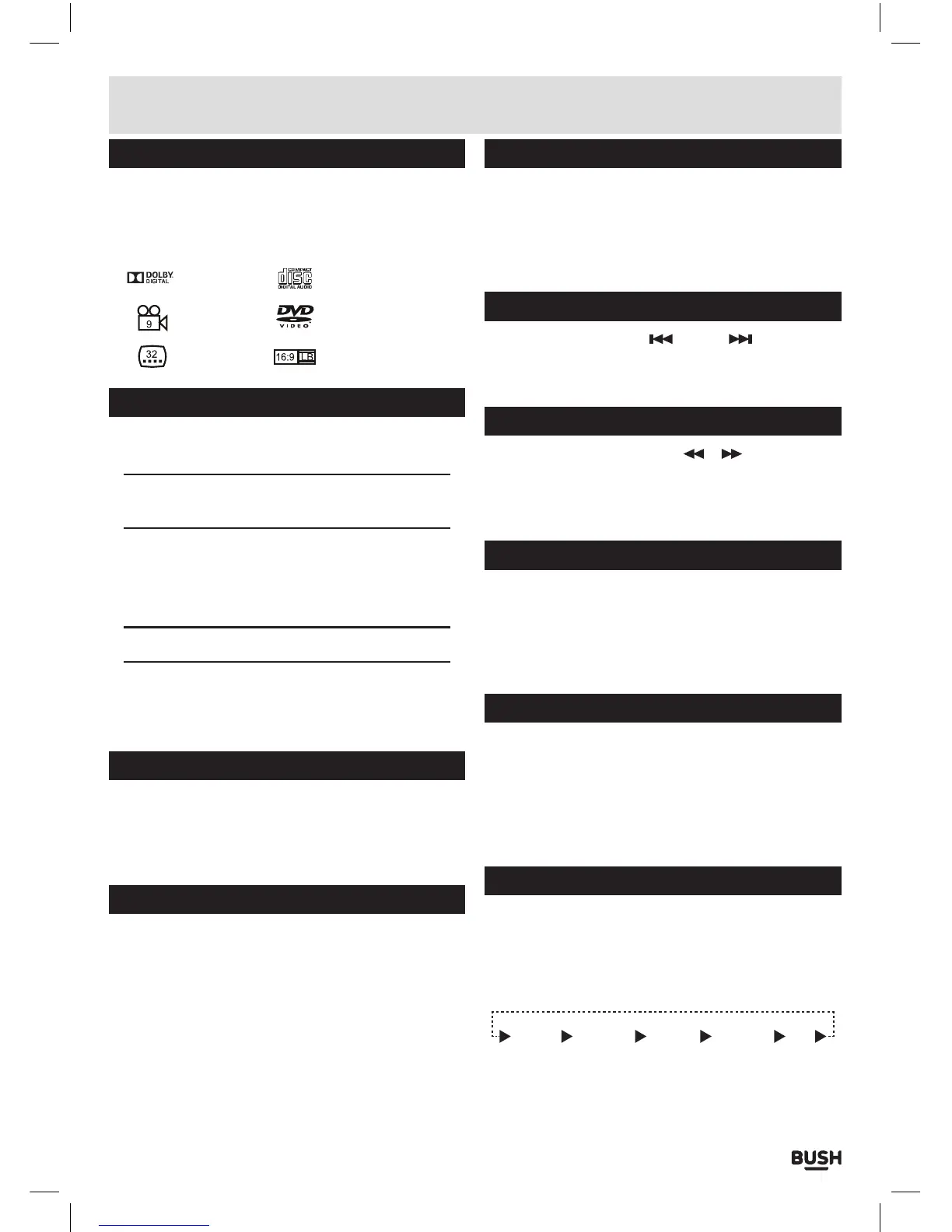
Dolby Digital Audio CD
DVD Video
Multi-Angle
Subtitle Choices
TV aspect ratio modes
Charging the internal battery
The CDVD12SW is fitted with a built-in
rechargeable battery.
Before using the battery, please make sure it is
fully charged.
Slide the power switch to the OFF position and connect
the DC adaptor to the DC input (23) & mains supply.
When the battery is fully charged the RED LED charging
indicator will go GREEN.
NOTE: Approx 7 hours charge, and 3 hours usage
1: If the unit is not in use for a prolonged period of time,
it is recommended to charge the built-in battery every
three months.
Standby mode
1: Press the STANDBY button on the main unit (3) or the
remote control to wake the unit from STANDBY mode.
2: Press the STANDBY button once more to enter
STANDBY mode.
Getting started
• Slide the POWER switch (22) to the ON position to
turn on the player (the BLUE power LED will light up).
• Press the disc lid button (8) to open the disc tray.
• Place a DVD disc onto the disc tray (label facing
upwards).
• Close the disc tray and the playback starts
automatically.
• When a menu screen appears on the screen, use the
navigation buttons to select the menu option you
require, then press the PLAY/PAUSE button to start
playback.
Setting the volume level
1: Use the VOLUME - / + buttons (6) on either the main
unit or remote to increase or decrease the listening
level.
2: Use the MUTE button on the remote to silence the
audio, press again to resume.
Skipping forward and back
1: Press either PREVIOUS
or NEXT (7) buttons
on the remote or main unit during playback to skip a
chapter (DVD) or a track (CD) ahead or backwards.
Quick search FWD & RWD
1: During playback press either
or buttons to
initiate fast scan at X2, press again repeatedly to cycle
through X4, X8, X16, X32 and normal speed. Press the
PLAY/PAUSE button to resume normal play.
Stopping playback
1: Press the STOP button on either the main unit (12) or
remote control to stop playback. To resume playback
from the stopped position, press PLAY/PAUSE (11)
again. To reset the playback position memory press
the STOP button twice or open the disc lid.
Repeat playback (CD, DVD)
1: Press the REPEAT button once during playback to
activate the REPEAT function.
2: Press repeatedly to cycle the REPEAT modes
available for the current disc type.
3: Press the REPEAT button until you reach OFF to
disable the REPEAT mode.
Display function
1: When playing a disc, pressing the DISPLAY button will
display various information about the playing disc.
You will need to press the DISPLAY button a few times
to view all the info another press will hide the display
info.
TITLE
ELAPSED
TITLE
REMAINING
CHAPTER
ELAPSED
CHAPTER
REMAINING
OFF
User instructions



 To Next Page