Lightning Series Fiber Laser User Manual
24
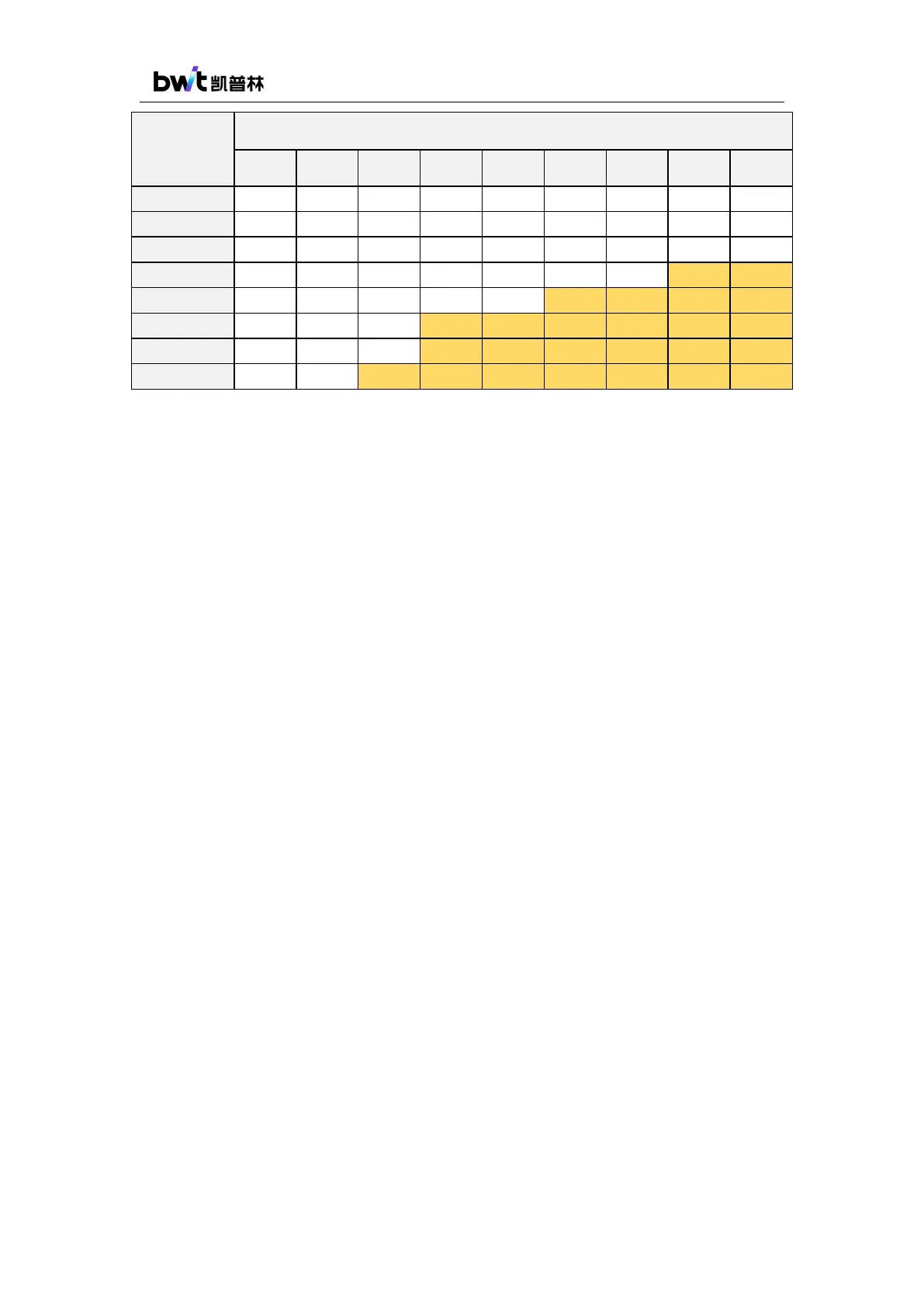
Dew point temperature at different relative humidity ℃
Note: Laser damage caused by condensation is not covered by the warranty!
4.5. Turning On/Off the Laser
After the laser is turned on, it will enter the external control mode. In this mode, the output
power is controlled by the external analog voltage signal; the laser beam output is controlled by
the external enable and PWM signal.
Connect the cooling water tubes to the ports on rear panel according to the marks. The
cooling system must meet the specifications and correctly be connected power supply cable with
reliable grounding. Connect the external control cable to the control interface of the laser, and the
other end to the corresponding control interface of the processing machine. The pins definitions
are shown in Table 6. The key switch and emergency stop button (provided by client) need to be
connected to the corresponding 8-pin interface on the laser rear panel, and the pin definition can
be found in Table 7. The water-cooling interlock interface and the safety interlock interface are in
parallel connected with the water-cooling interlock and the safety interlock of external control
connection separately, so connecting either of them will be all right.
Before powering on the laser, please check if the laser meets the following requirements:
1) The flow rate and temperature of the water cooling system meet the requirements;
2) Correct connection of power supply and control cable, respectively. The power supply
voltage meets the product requirements;
3) The emergency stop button is released;
4) The interlock signal of the laser is connected in series with the output fault signal of the
chiller and the door switch signal to better protect the laser and the operator safety;
Power on the laser. The POWER indicator flashes, and the laser starts the self-checking



 To Next Page