EasyManua.ls Logo

Byron LySonix 3000 - User Manual

Byron LySonix 3000
44 pages
Print Icon
To Next Page IconTo Next Page
Loading...
Byron Medical’s
LySonix 3000
®
with PulseSelect
Operation
Manual
3000G

Questions and Answers

  • J
    Julie WillisAug 5, 2025
    What to do if the electrical fault light is illuminated on my Byron LySonix 3000 Intercom System?
    • T
      Tyler JohnsonAug 5, 2025
      If the electrical fault light is illuminated and a steady audible alarm is activated on your Byron Intercom System, first check all electrical connections to ensure they are properly connected. If the issue persists, try replacing the cable or handpiece, as a faulty cable or handpiece could be the cause. If neither of those steps resolves the problem, the generator may be faulty and require replacement.
  • C
    Courtney GreeneAug 14, 2025
    What to do if the mechanical limit light is illuminated on my Byron Intercom System?
    • M
      Mary SharpAug 14, 2025
      If the mechanical limit light is illuminated and a pulsing audible alarm is activated on your Byron Intercom System, try the following: * Retighten the probe to the handpiece connection. * Replace the probe if it is cracked, damaged, or broken. * Release pressure on the probe if there is a power overload condition at the probe tip. * Cool the probe and retest; replace if it overheats again. * Clear debris from the probe/handpiece using a brush set. * Replace the handpiece if it is malfunctioning or defective.
  • S
    sierra26Aug 25, 2025
    How to troubleshoot a Byron Intercom System that does not turn on?
    • N
      Nicole CarrAug 26, 2025
      If your Byron Intercom System does not turn on, begin by checking the power cord to ensure it is properly connected. Next, check the wall socket for voltage to confirm that the power outlet is functioning. Finally, if the system still does not power on, replace the fuse(s).

Summary

General Safety and Compliance

General Safety Statements

Important safety warnings and precautions for operating the LySonix 3000®.

FCC Compliance Statements

Compliance information regarding FCC regulations for emissions.

Medical Device Safety Compliance

Compliance with UL and EN medical device standards for safety.

SAFETY

Summary of Safety Notices

Summary of all CAUTION, WARNING and CAUTION statements for safe operation.

GENERAL INFORMATION

Description of the System

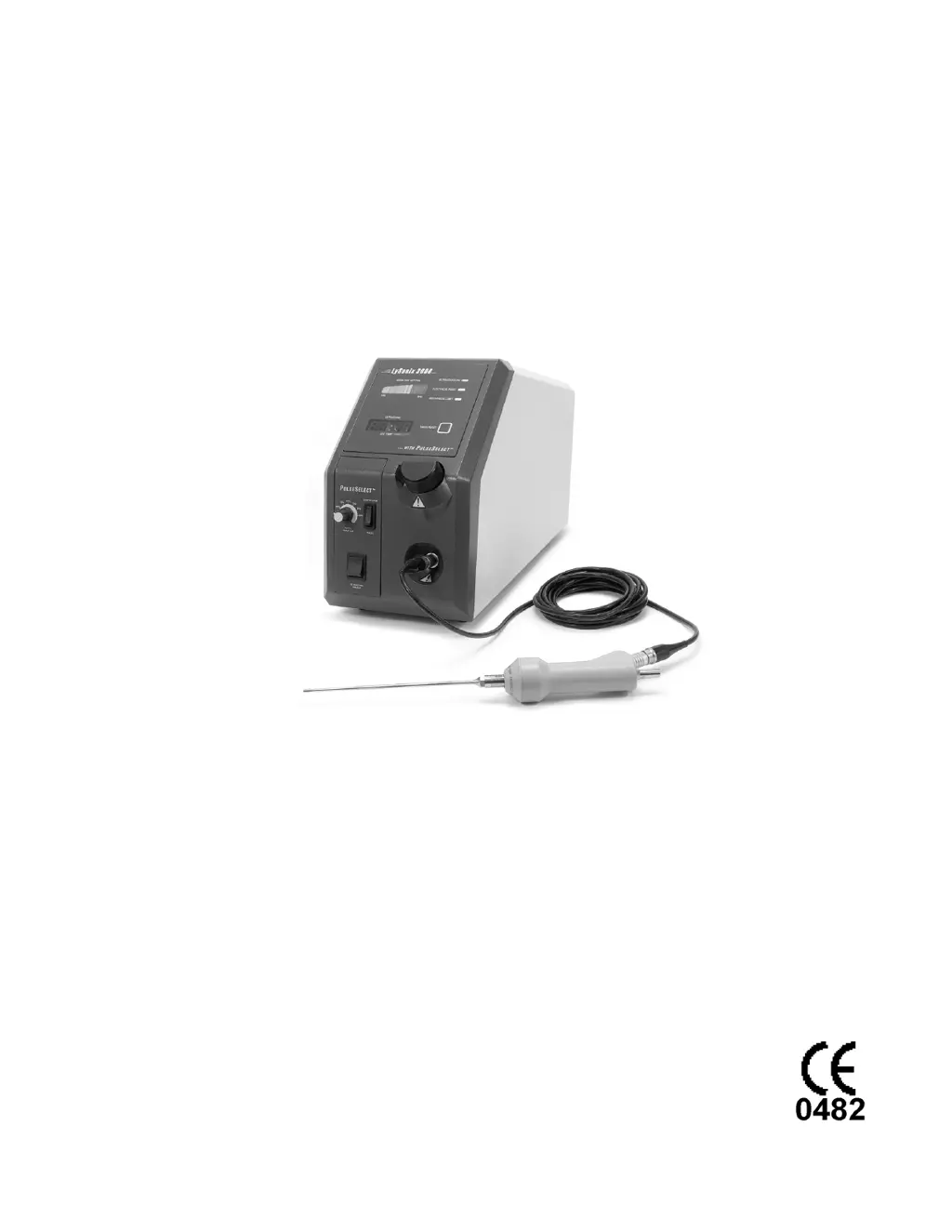
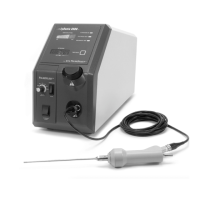
System overview including generator, handpiece, probe, and aspiration channel.

Concept and Principles of Operation

Explanation of ultrasonic fragmentation and cavitation process.

UNPACKING INSTRUCTIONS

System Configurations and Components

Details system configurations, catalog numbers, and included components for unpacking.

OPERATING INSTRUCTIONS

System Components Preparation

Instructions for preparing system components, including cleaning and sterilization.

SYSTEM TEST

INSTRUCTIONS FOR PULSESELECT FEATURE

Explanation of Front Panel with PulseSelect Feature

Details the controls and indicators related to the PulseSelect feature.

Setup

Steps for setting up the PulseSelect feature for operation.

System Test

Procedure for testing the PulseSelect feature functionality.

SYSTEM TROUBLESHOOTING

Troubleshooting Guide

Guide to identify symptoms, causes, and remedial actions for system issues.

SYSTEM DISASSEMBLY AND MAINTENANCE

Cleaning and Sterilization

Instructions for cleaning and sterilizing system components for reuse.

SERVICE, REPAIR and TECHNICAL CORRESPONDENCE

Fuse Replacement

Step-by-step procedure for replacing fuses in the generator unit.

Repair Service and Replacement Parts

Information on returning units for repair and ordering replacement parts.

Byron LySonix 3000 Specifications

General IconGeneral
BrandByron
ModelLySonix 3000
CategoryIntercom System
LanguageEnglish

Related product manuals