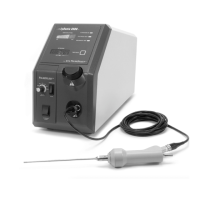
LySonix 3000
®
with PulseSelect™ Operation Manual
40-OM-0002 Page 32 of 43 Rev B
50%
40%
90%
6.5 Pulse Settings
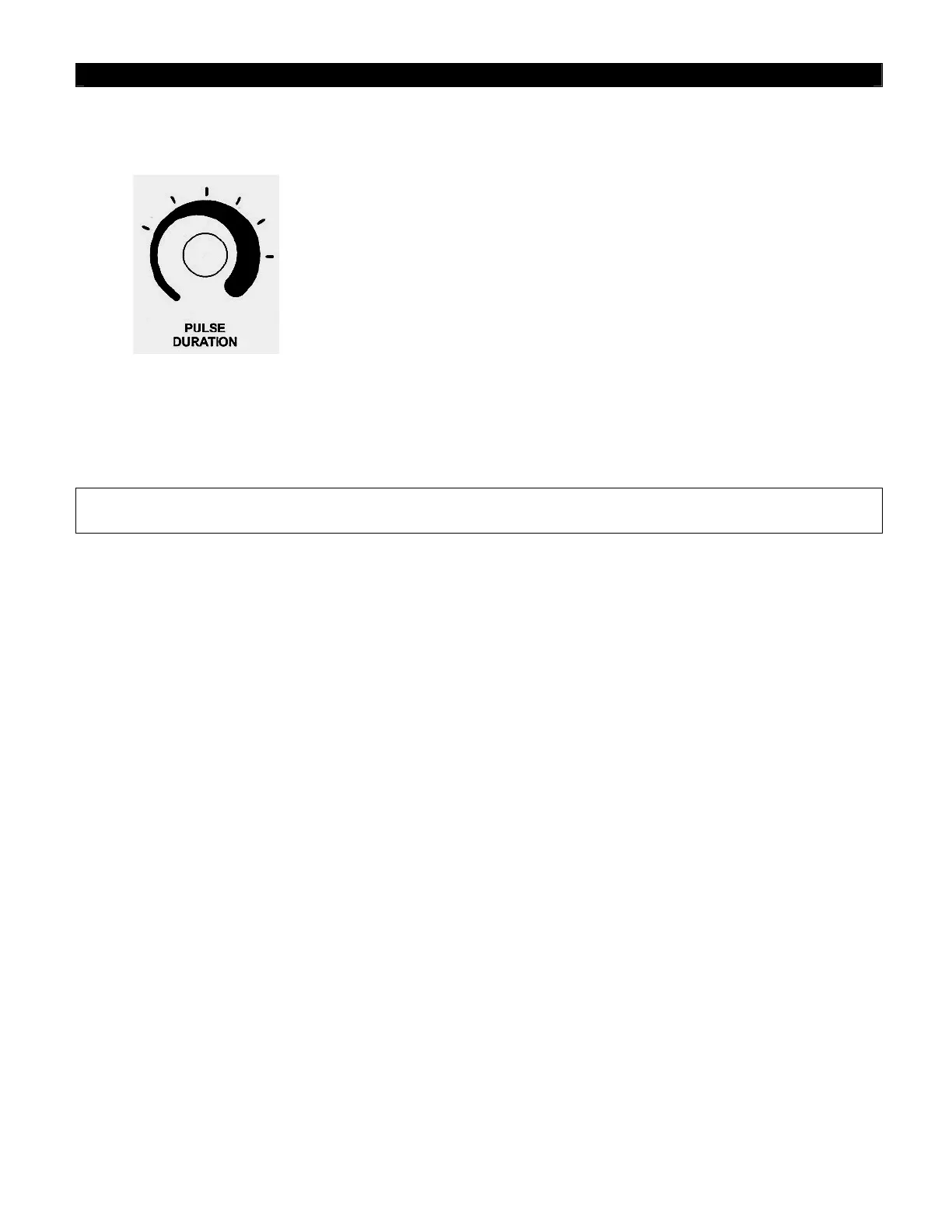
Pulse settings 40% to 90% are determined by rotating the Pulse Duration
Control. Detents spaced approximately 30 degrees apart predetermine
these settings. Minimum setting or setting "40%" is with the Pulse
Duration Control knob in full counter clockwise position. Maximum
setting or setting "90%"is with the Pulse Duration Control knob in full
clockwise position.
(Settings illustration)
6.5.1 Set the Pulse Duration Control Knob to the desired setting.
6.5.2 Depress Footswitch and verify that the Ultrasound Output is pulsing and not continuous.
NOTE -The timer will only Increment when the ultrasound output is ON and will NOT advance when
the output is OFF regardless if the Footswitch is being continuously depressed.
6.5.3 Release the Footswitch, disengage the Ultrasound Enable Switch and place the
Handpiece/Probe on a sterile drape.
LySonix 3000
®
with PulseSelect
™
SYSTEM IS NOW READY FOR USE.
70%
60%
80%


 To Next Page