LySonix 3000
®
with PulseSelect™ Operation Manual
40-OM-0002 Page 30 of 43 Rev B
6. INSTRUCTIONS FOR PULSESELECT
™
FEATURE
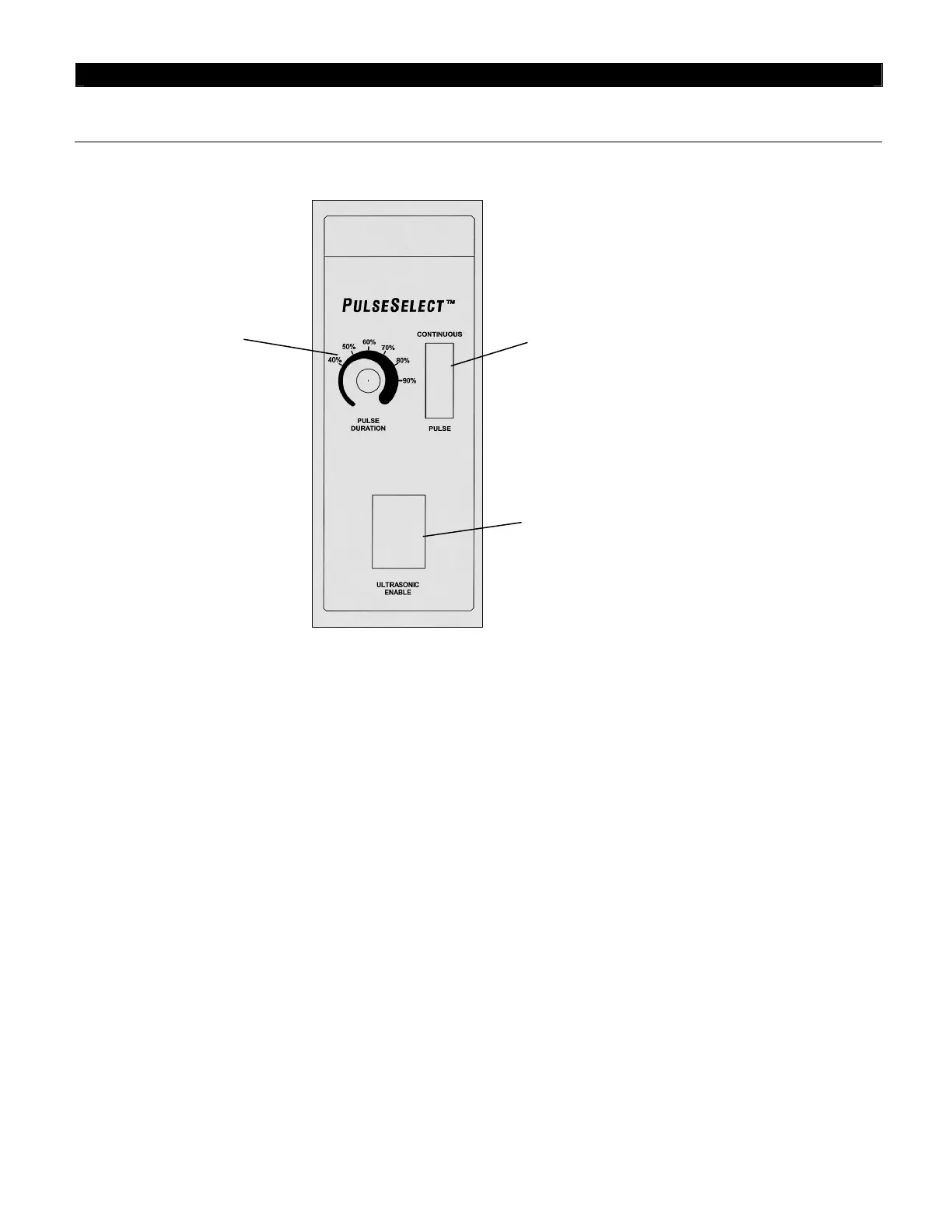
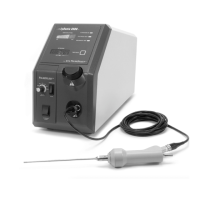
6.1 Explanation of Front Panel with PulseSelect
™
Feature
6.2 Setup
6.2.1 Verify that the Pulse Mode Switch is in the "CONTINUOUS" position. Verify that the
Pulse Duration Control at the front panel is set to the minimum position (fully counter
clockwise).
6.2.2 Attach the Handpiece cable to the corresponding connector. Align markings and push the
cable connector in place. Assure that the connection snaps into place.
6.3 System Test
6.3.1 Perform system test as follows:
6.3.2 Flip the Pulse Mode Switch to the "PULSE" position.
6.3.3 Depress the Footswitch as described in the user’s manual. The ultrasound light shall
illuminate and shall be flashing. A Bell type sound should be heard for 1 second upon
pressing of the Footswitch. The Ultrasound Use Time readout shall count-up in 1 second
increments. (Note that the Ultrasound Use Time will indicate the duration of time the
Footswitch is being depressed when the “Continuous” feature is selected).
Ultrasonic Enable Switch


 To Next Page