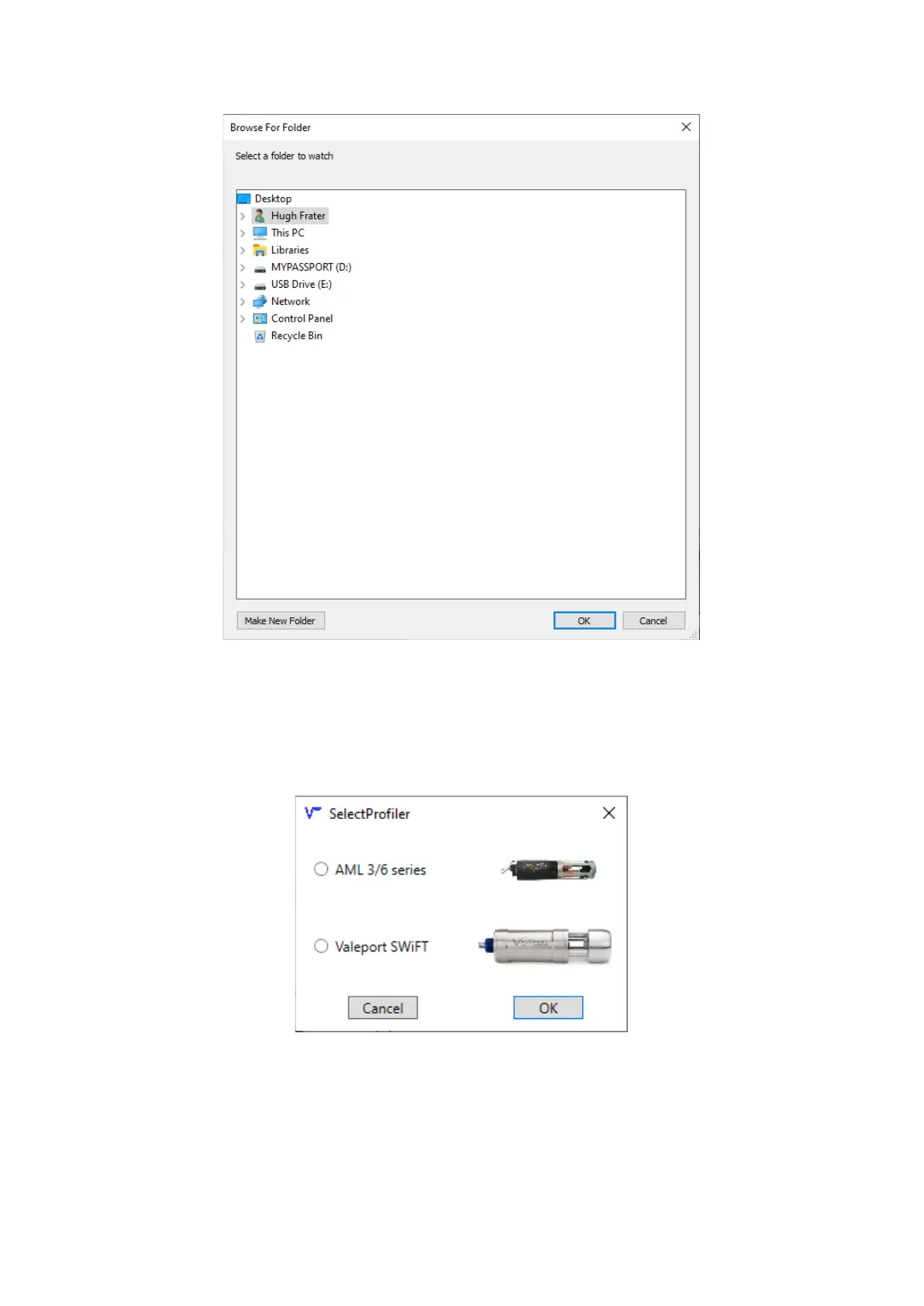
Selecting a folder to watch for new files
With the watch folder selected, the display will now show the name of this folder in the lower part of
the window. Hovering the mouse over this will show a tooltip with the full path to the folder. Check that
this matches the download folder that was configured in Sailfish earlier.
Continue by selecting the type of profiler that is being used.
Selecting the profiler
With a profiler selected, Vigo Depth Relay will know which file types to process when they are added
automatically to the watch folder.



 To Next Page