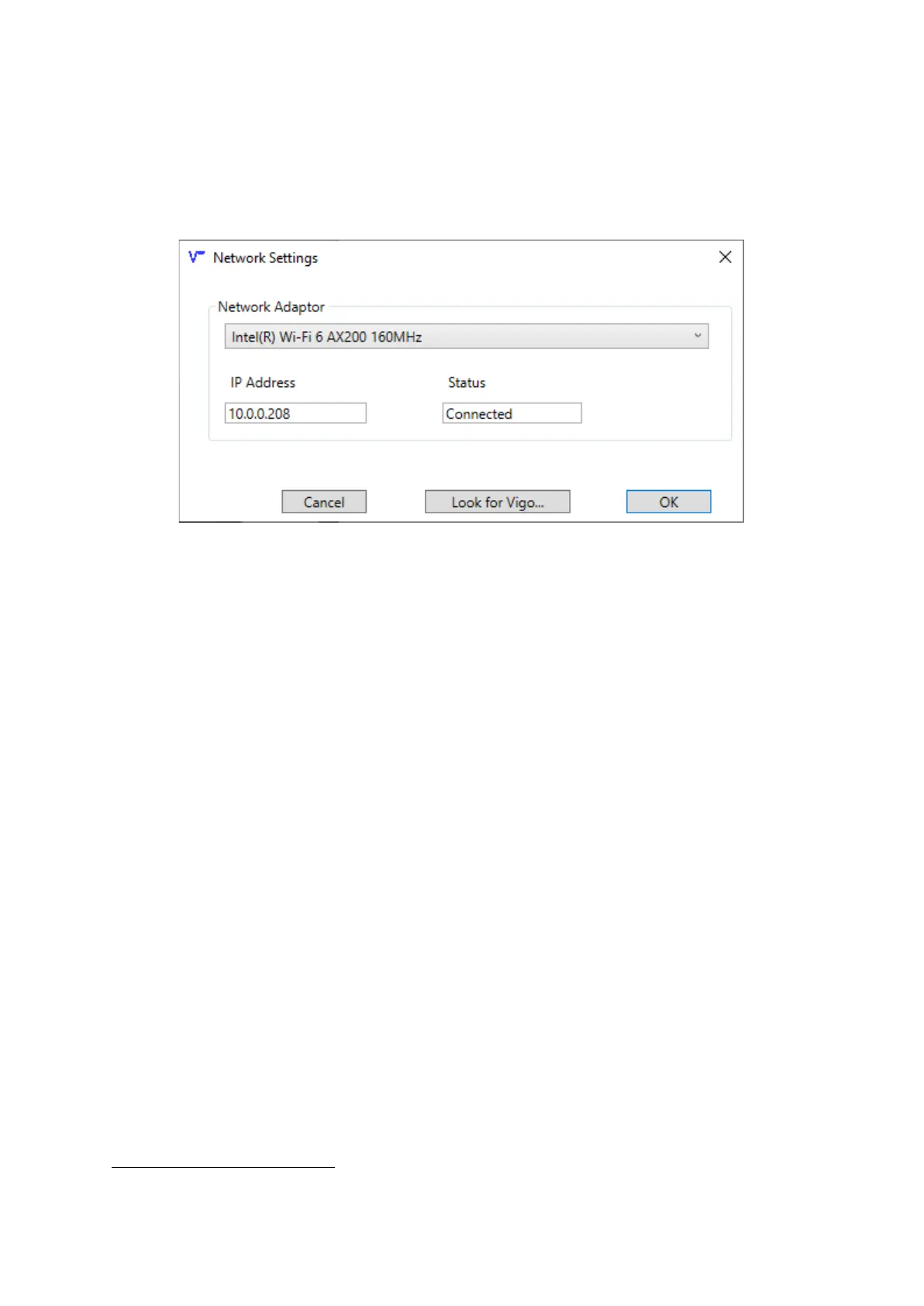
The final setting to configure is the network adapter used to connect this PC to the survey network.
This would typically be a wired ethernet connection and it should be on the same logical subnet as the
Vigo winch.
There is no need to specify the IP address of the Vigo, all data is sent to the broadcast address.
Selecting a network adapter
Vigo Depth Relay will force you to select an adapter that is connected. You should check the IP
address field to check that the selected adapter is correct.
Clicking the ‘Look for Vigo’ button will send a custom query message to the broadcast address. Any
Vigo that is powered on, with its web control panel open will respond to this query .
3
A dialog will alert the user if a Vigo is found on the network.
When the three settings have been configured, Vigo Depth Relay will appear as shown below.
3
Vigo operating software version 2021.05.11b or later is required for this functionality to work



 To Next Page