Manual positioning would typically be used on a manned vessel, where the profiler can be seen by the
operator and the jog controls can be used. Automatic positioning would typically be used on
autonomous platforms where the winch is required to set the position without a user being present
onboard.
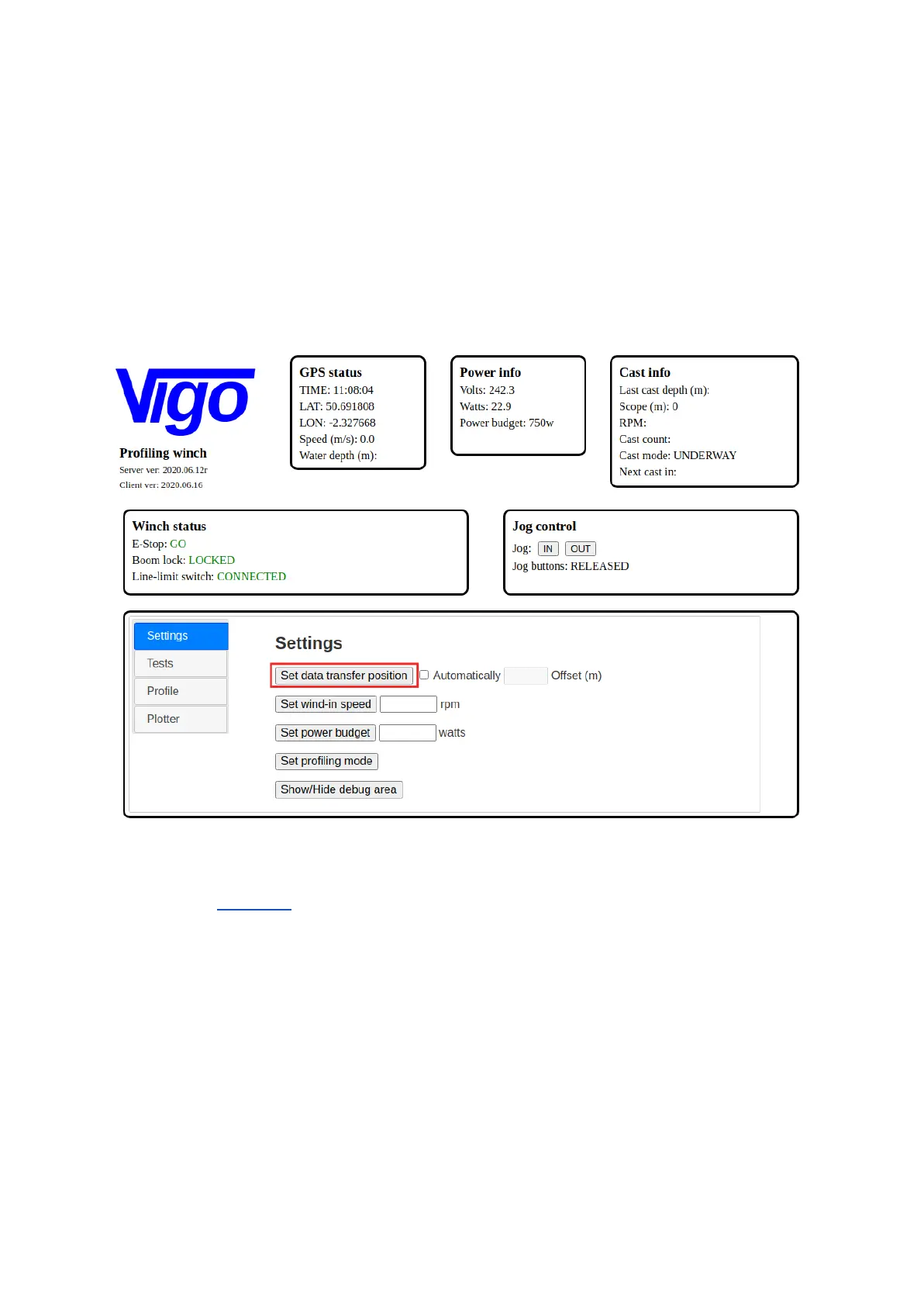
To set the data transfer position manually :-
1. Using the jog controls, lower the profiler over the stern of the vessel, to the position that it
should be recovered to on completion of the cast
2. From the ‘settings’ tab of the control software, click ‘Set data transfer position’
Setting the data transfer position manually
Setting the data transfer position automatically requires that the line-limit tube is correctly installed.
Please refer to section 3.3 to ensure that this is installed correctly.
To set the data transfer position automatically :-
1. Tick the checkbox marked ‘automatically’
2. Enter the required offset value. The software will accept values between 0.3 - 5m.
3. Click ‘Set data transfer position’
The winch will slowly begin winding in line until the line-limit switch is activated. At this point the motor
direction will reverse and the winch will spool out line until the required offset value is reached.
NOTE: If the line-limit switch is already activated by the presence of the line-limit tube, a warning will
be displayed to the user and the action to automatically set the data transfer position will fail.



 To Next Page