102
Send a contact. Enter C Address and select the file
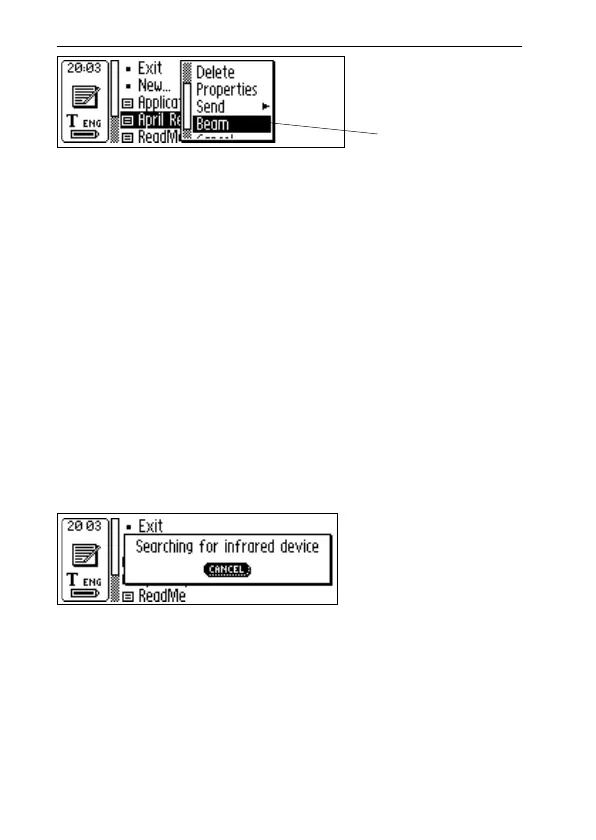
you want to send, then select Beam in the menu that
appears.
Send a calendar event. Enter C Calendar and select
the file you want to send, then select Beam in the
menu that appears.
Send other files, saved in Storage. Enter Storage and
select the file you want to send, then select Beam in
the menu that appears.
Please note that only files can be sent, not folders.
3. C-Pen starts searching for the PDA device in order to
send the file and the Searching dialog box appears on
the screen.
4. During transmission, the file name is displayed in a
dialog box together with a progress bar.
5. You can cancel the transmission at any time by pressing
CANCEL.
6. When the transmission is complete a dialog box will
appear, telling you whether the transmission was suc-
cessful, or not.
Select Beam
in the menu
!
Searching
dialog box



 To Next Page