103
C Direct
C Direct gives you the opportunity to enter text from your
C-Pen at the cursor position in any Windows program. To
be able to use C Direct, C Win Software has to be installed
on your PC. See Using C-Pen with your PC, p. 107.
The easiest way to control C Direct is from the C Direct
icon in the system tray in Windows. By clicking on the
icon, you can choose Connect, Disconnect or Exit C Di-
rect. To activate C Direct you can simply double-click on
the icon. For more information about how to use C Direct,
please click your PC’s Start button/Programs/C-Pen/C-Pen
Help.
Using IR
To activate C Direct place C-Pen in front of the IR port on
your PC. Click the Start button/Programs/C-Pen/C Direct
or click on the C Direct shortcut on your desktop.
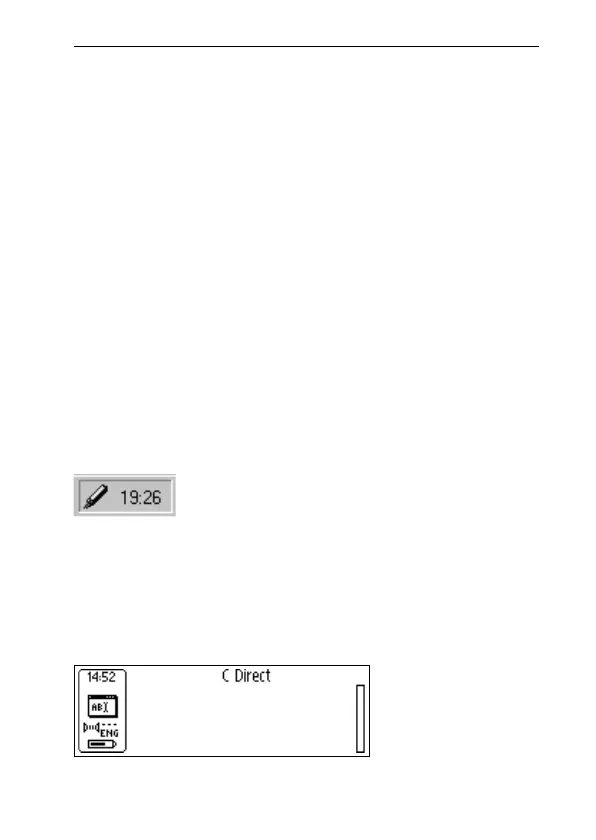
The C Direct icon will appear in the system tray in the
lower right-hand corner of your PC screen. The icon will be
partly yellow when C Direct is connected, otherwise the
icon is greyish.
The display on your C-Pen will show “C Direct”.
the C Direct icon in the system tray



 To Next Page