52
C Address
C Address is an application in C-Pen for storing and look-
ing up contact information such as the addresses, phone
numbers and e-mail addresses of people and organizations
you communicate with.
The number of addresses that a C-Pen can store is 1000.
When the number of contacts exceeds 50 they will auto-
matically be divided into folders.
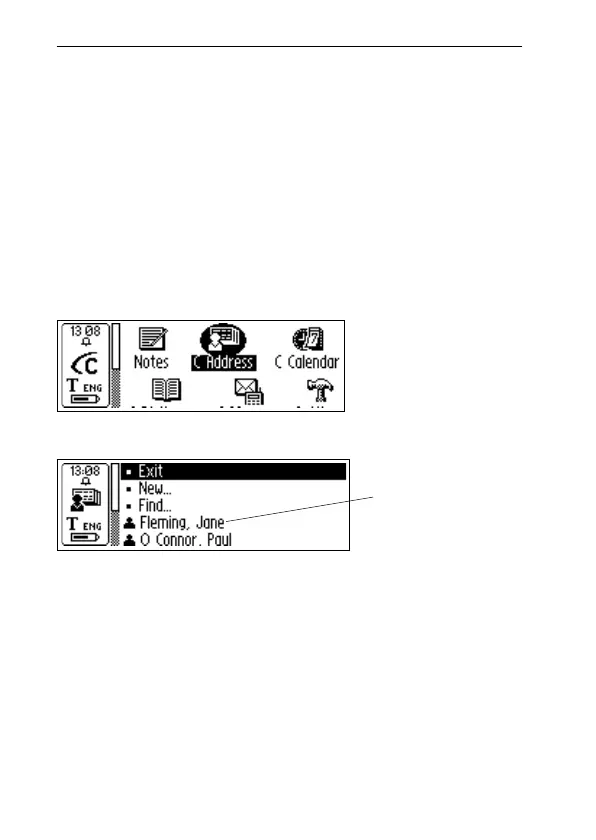
Start C Address by selecting the C Address icon on the
main screen.
The C Address main screen will open:
Below the menu items Exit, New... and Find, your contacts
are listed.
Enter a new contact
To enter a new contact, select New... in C Address main
screen. The Contact edit screen will open.
In the Contact edit screen, turn Nav to go to the first field,
called First name. Read the first name of your contact with
your C-Pen, for instance from a business card or a tele-
C Address
main screen
Contact list
C-Pen
main screen



 To Next Page