53
phone list, turn Nav to move to the next field, Last Name.
Continue reading text into the following fields in the same
way.
You can always move to any field you want by turning
Nav. If you want to change a field that you have entered,
just go to the field that you want to change and read again.
Enter edit mode if you want to edit the contents of the field,
see p. 33.
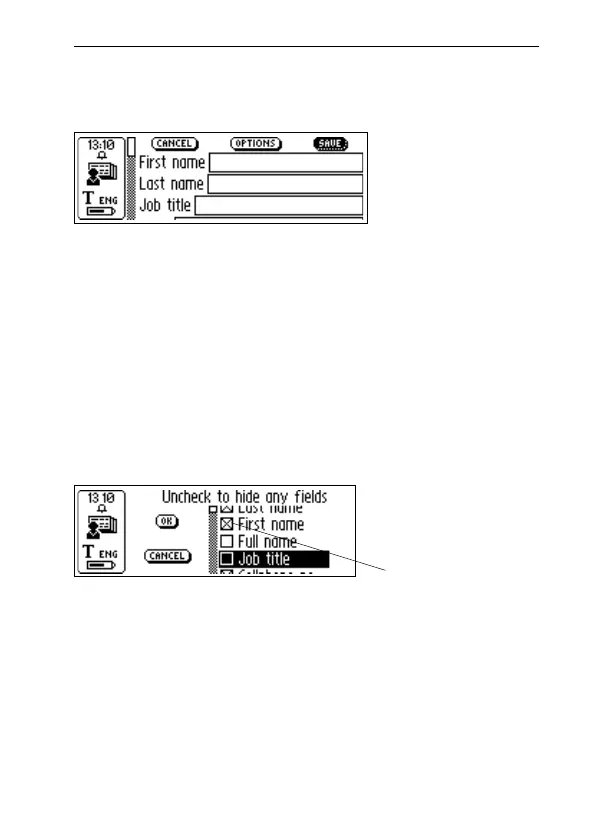
You can change the choice of contact details (addresses,
phone numbers, e-mail addresses etc.) in OPTIONS. Select
OPTIONS and scroll through the options. Check or uncheck
the boxes according to your personal preferences. When
you are finished, select OK or just press ESC.
You can discard the information you have entered in a
contact file by selecting CANCEL. If you want to discard all
changes select YES when a dialog box appears.
Selecting TOP at the end of the field list brings you to
SAVE. If you choose SAVE, the changes will be saved and
then the Contact edit screen automatically closes.
Contact edit
screen
Check boxes



 To Next Page