108
The installation program will place a C-Pen icon (My
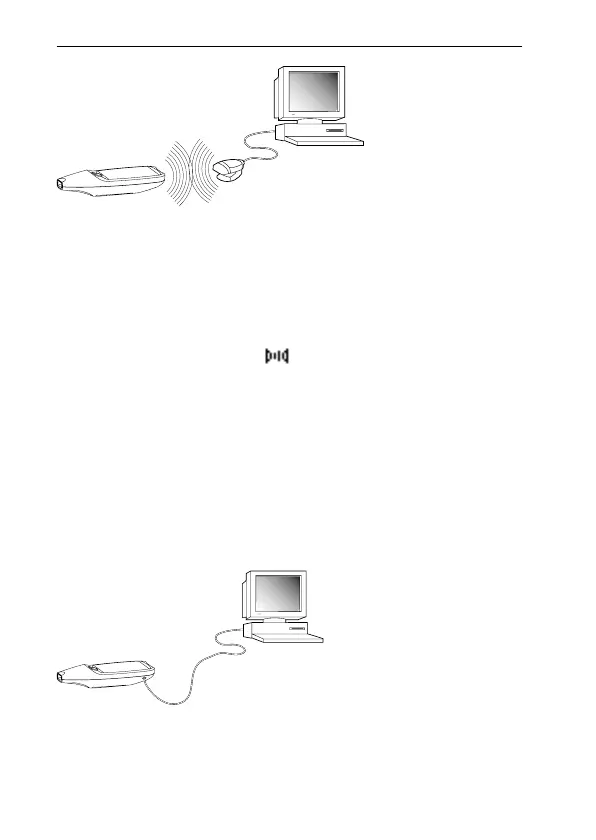
C-Pen) on your PC’s desktop. When C-Pen is within range
of the PC’s IR port you can double-click on the icon. If
communication is established between the PC’s IR port
and C-Pen, a communication icon will appear in the status
field on C-Pen’s display.
On most laptops the built-in IR port - a red or black shiny
plastic square - is found on the back or side of the com-
puter.
Connecting C-Pen to a PC by Cable
To connect a C-Pen to your PC, plug in the cable in C-Pen
and in an available COM port on your PC.



 To Next Page