21
GETTING STARTED
Turning C-Pen On and Off
To turn C-Pen on and off, press the On/Off button until the
display is activated/deactivated. C-Pen turns off automati-
cally after 5 minutes of inactivity. To change the auto-
matic power-off time, see System Settings, p. 94.
Battery
C-Pens powered by AAA batteries
Installing the batteries
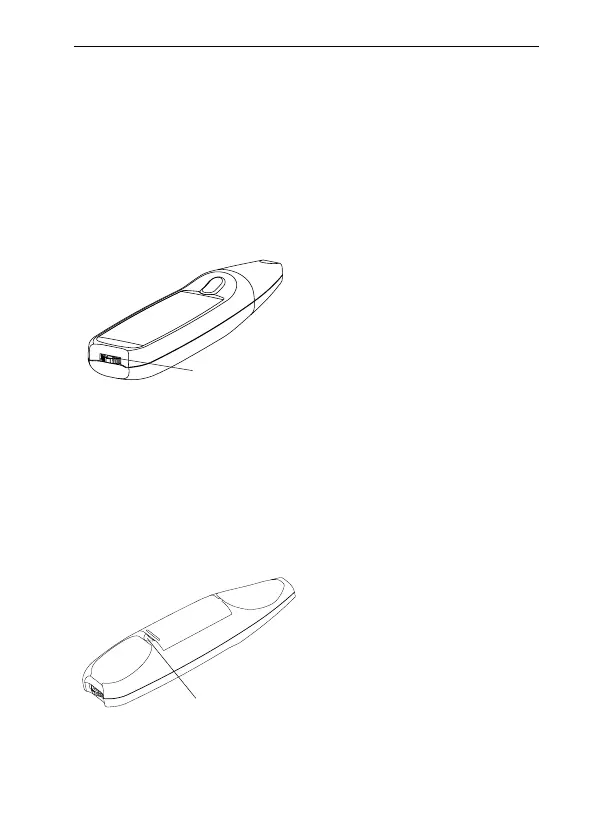
1. Remove the battery cover from the back of C-Pen.
Press Nav to turn C-Pen on and off
Lift the cover here to open



 To Next Page