22
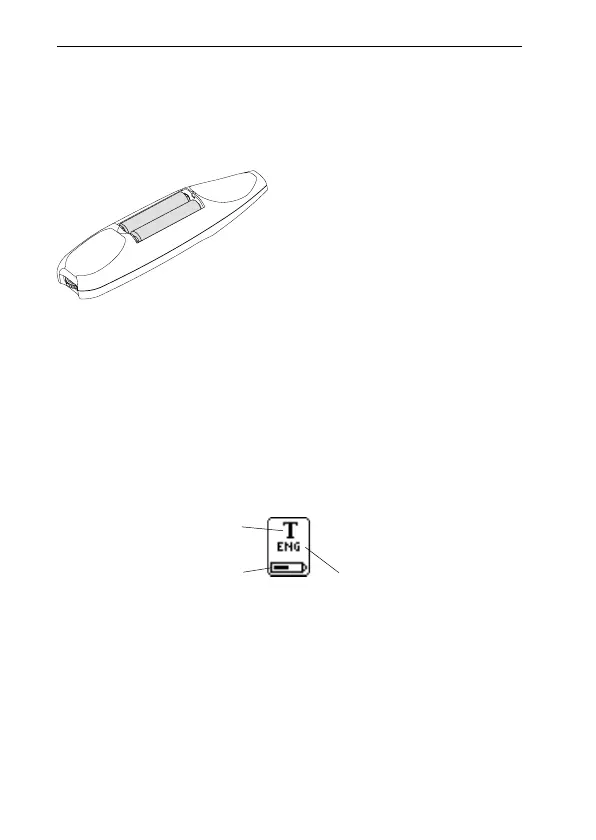
It is imperative to observe the polarity of the batteries.
The orientation of the plus and minus ends is shown
inside the battery compartment.
2. Insert two alkaline AAA batteries (1.5 V, type LR03).
3. Replace the battery cover. You should hear a “click”
when it locks in place.
Please do not dispose of batteries in a fire as there is a
danger of explosion. Please recycle the batteries!
Battery power level
The battery power level is shown by the battery indicator
at the bottom of the status field.
If the battery power level is getting low, the message “Bat-
tery low” will appear on the display. To avoid losing un-
saved information, save all material not previously saved
and then change the batteries. Turn C-Pen off before chang-
ing batteries. To change batteries, see Installing the bat-
teries p. 21.
!
Text Language
Battery power level
Text Quality
!



 To Next Page