32
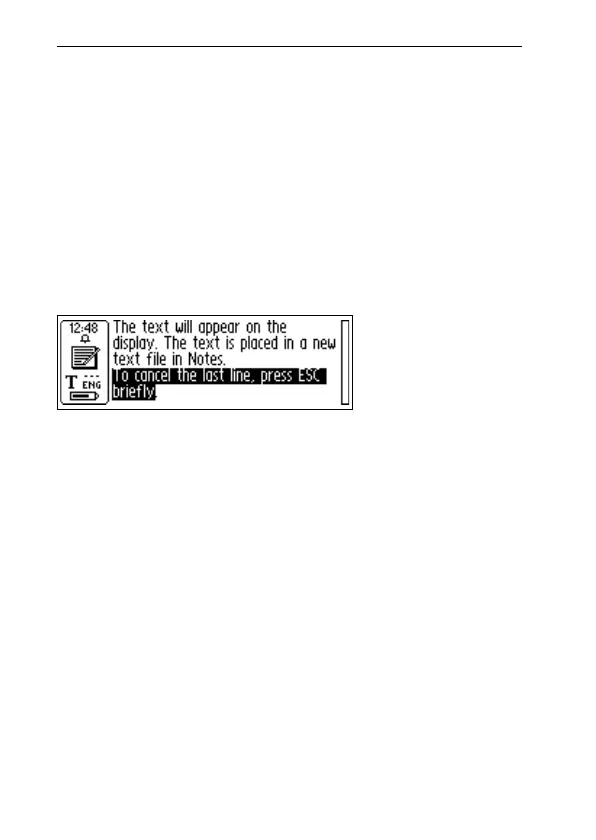
Deleting a line
To delete any of the lines you have read, proceed as
follows.
1. Move the cursor (the flashing triangle) with the Nav
button to the beginning of the line. Press Nav and the
Text menu opens, see p. 50.
2. Scroll through the menu items until you find Select
and press Nav. The line becomes highlighted.
3. Press ESC briefly. The line disappears and you are
ready to read a new line.
Saving Text
Press Nav to open the Text menu (see Notes, p. 48) and
choose Exit. The Save As dialog box appears. Choose YES
if you want to save the text, NO if you want to discard the
text or CANCEL if you want to return to the text. The dialog
box contains an edit field with a suggested file name. You
can change the file name before you save the file; see
Editing text in the next section.



 To Next Page