31
4. Lift the pen at the end of the line in order to release
the pen’s Autotrigger.
Continued reading
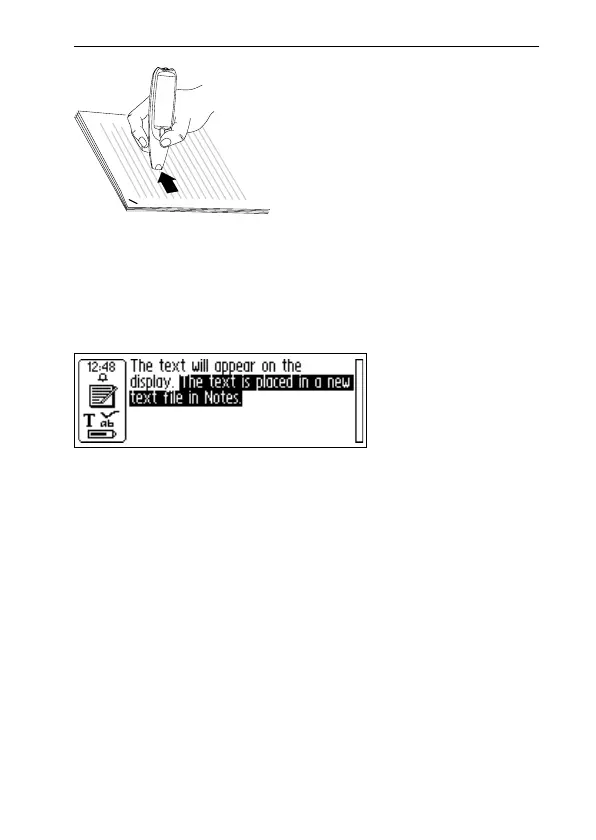
The Text screen will appear on the display.
The text is placed in a new text file in Notes, see p. 48. You
can also create a new, empty text file by selecting New...
and then FILE in Notes, before you start reading.
Reading another line
Read the second line in the same way as you read the first.
A space, a line break or a tab is inserted between the lines,
see Read Mode, p. 89. You can insert a line break by press-
ing Trigg (C-Pen with a manual trigger) or Autotrigger
(C-Pen with an automatic trigger).
The last line is highlighted (negative), i.e. light text on a
dark background. To delete the last line, press ESC briefly.
Text screen



 To Next Page