30
C-Pen with an automatic trigger
This C-Pen model has an Autotrigger in order to facilitate
the reading process. To read a line, follow the steps below.
1. Turn on C-Pen. Make sure that the text settings are set
to the appropriate values. The text settings are Text
Language, Read Mode and Text Quality. It is also
possible to calibrate C-Pen for best performance. Refer
to Settings, p. 89.
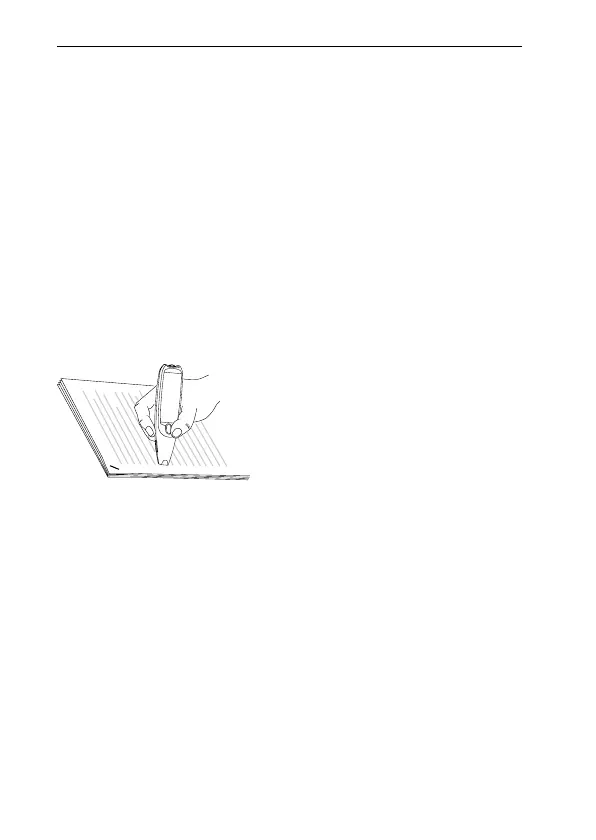
2. Place C-Pen over the first character you want to read.
Hold C-Pen with the pen tip flat against the surface.
Aim at the center of the line. C-Pen reads one line at a
time.
Please note that the text surface must be completely flat
in order to achieve maximum reading accuracy.
3. Move C-Pen over the line of text. Keep the pen tip flat
against the surface while reading. Make sure the
Autotrigger (at the pen tip) is pressed. You can move
C-Pen left-to-right or right-to-left over the text. You can
read up to 15 cm/second (5 inches/second).
!



 To Next Page