25
If C-Pen has encountered problems or has “frozen”, insert
something thin (like an unfolded paperclip) into the reset
hole and press gently, see p. 15.
Navigating and Selecting
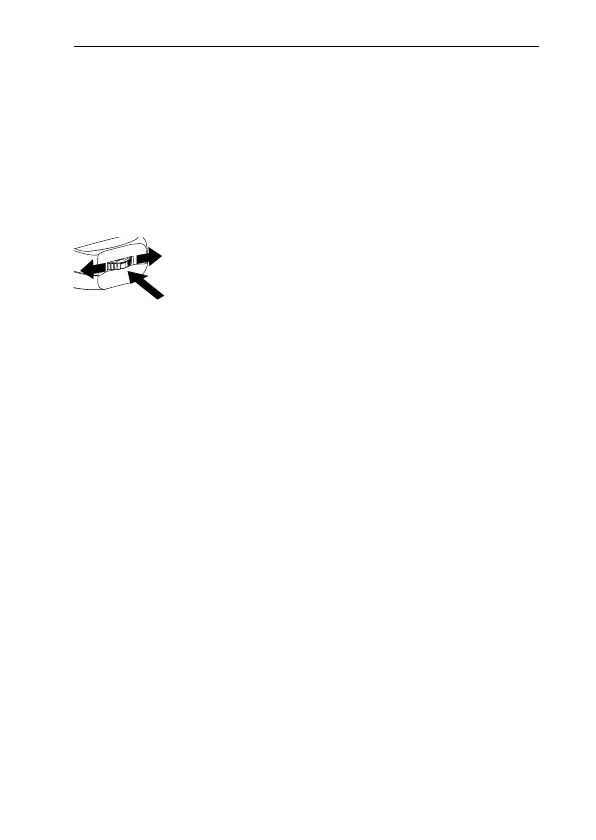
Nav (the navigation control) is used for navigation and to
select an object.
Turn Nav up or down to navigate between
• menu items
• dialog buttons
• edit fields
• check boxes
• lines or characters in text
As you move between objects, they become highlighted
(inverted).
Pressing Nav briefly when an object is highlighted is re-
ferred to as selecting that object.
The result when selecting an object is explained for each
situation later in this manual. Below are some general re-
marks about selecting objects.
Turn to navigate between fields
Press to select an object



 To Next Page