54
Select SAVE when you are finished. The Save as dialog box
appears. The suggested file name is the name you entered
in the Full name field. If this field is empty or unchecked
the suggested file name will be “Last name, First Name”.
You can edit the file name or you can read a new file name
with your C-Pen.
A file name must not be longer than 64 characters. Invalid
characters like ‘\’ or ‘.’ will be replaced with a blank space.
If the file name already exists, a number suffix will be added
to the file name, i.e. ‘John Mills (2)’ if ‘John Mills’ already
exists.
Select YES to save the contact file. A new contact is added
to your contact list.
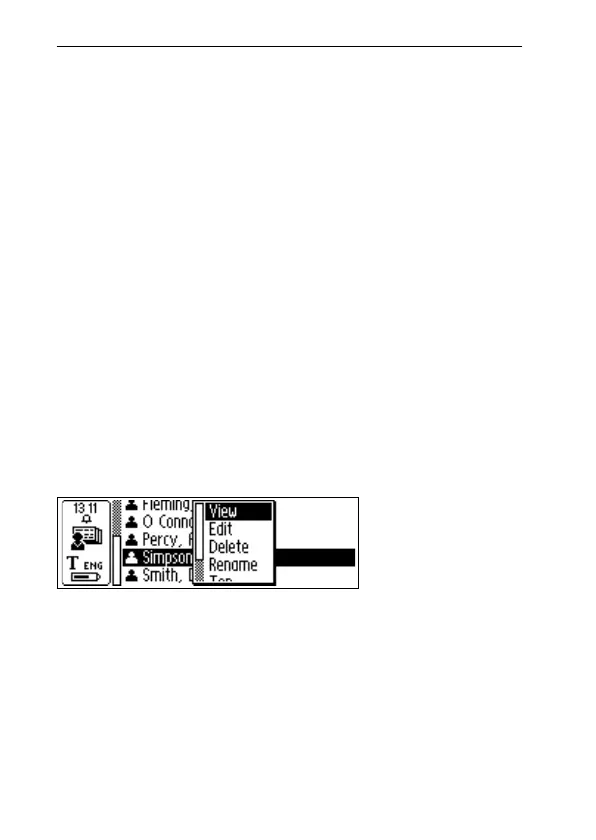
The contact menu
The Contact menu contains options for working with con-
tact files. Open the menu by selecting a contact in the con-
tact list.
The options in the Contact menu are:
• View
Lets you view the information you have entered on a
contact.
Contact menu



 To Next Page