55
• Edit
Lets you edit the information you have entered on a
contact.
• Delete
Deletes the contact file.
• Rename
Renames the contact file.
• Beam
Transfers the selected contact file by IR, see p. 100.
• Top (Exit)
Brings you to the top of the C Address main screen.
• Cancel
Closes the Contact menu.
View a contact
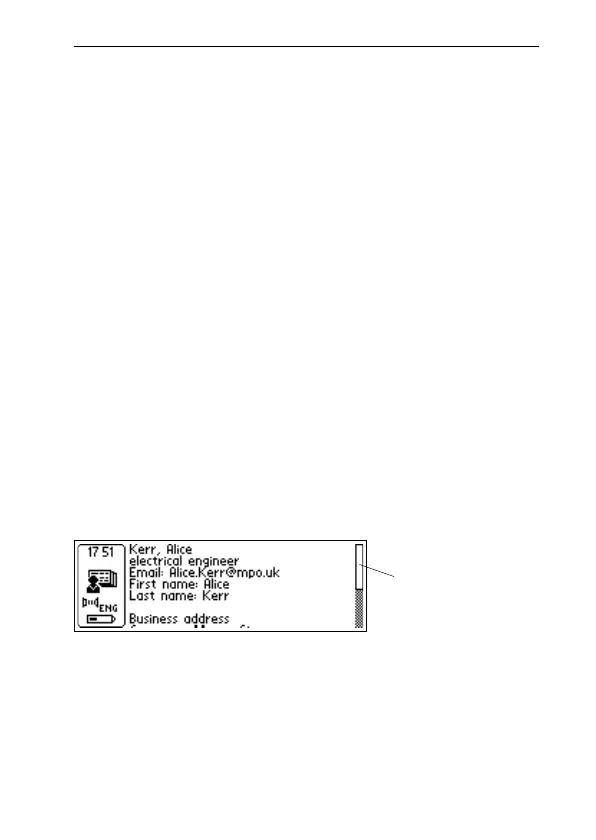
Select View to look at a contact. The contact information is
presented in the Contact view. Turn Nav to scroll through
all contact information.
Press Nav or ESC to exit the Contact view and return to the
C Address main screen.
Contact view
Blinking when
activated



 To Next Page