34
In edit mode you can move the cursor one character at a
time by turning Nav. You can move to the beginning or the
end of the text with the Go to option in the Edit menu.
Move the cursor to the position where you want to edit the
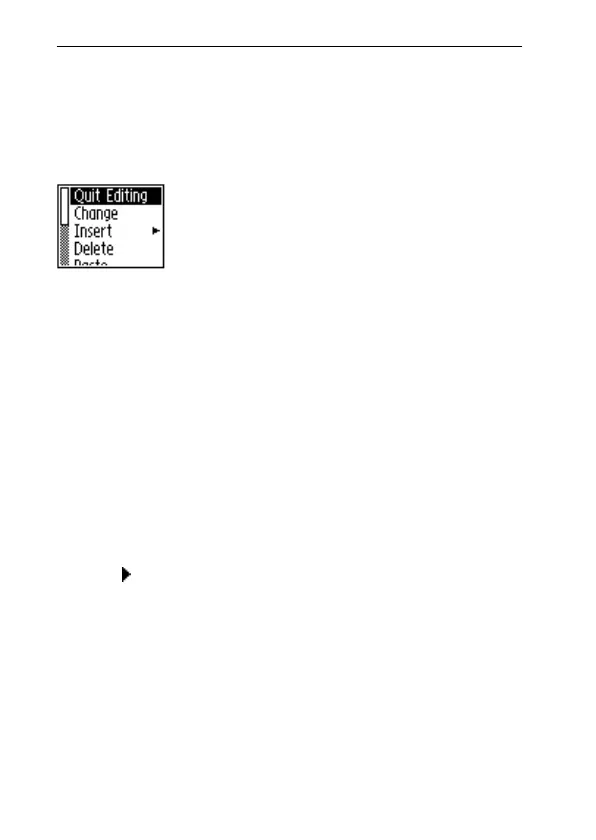
text. Press Nav to open the Edit menu.
The options in the Edit menu are slightly different, de-
pending on whether you want to edit a field in C Address
or a text in Notes. The most common items in the Edit
menu are:
• Quit Editing
Exits edit mode in the Text screen.
• Done
Returns to the text from the edit mode in an edit field.
• Change
Changes the character to the right of the cursor.
• Insert
Inserts new characters, a space or a line break at the
cursor’s position.
• Cut
Cuts out the selected characters.
• Copy
Copies the selected characters.
Edit menu



 To Next Page