57
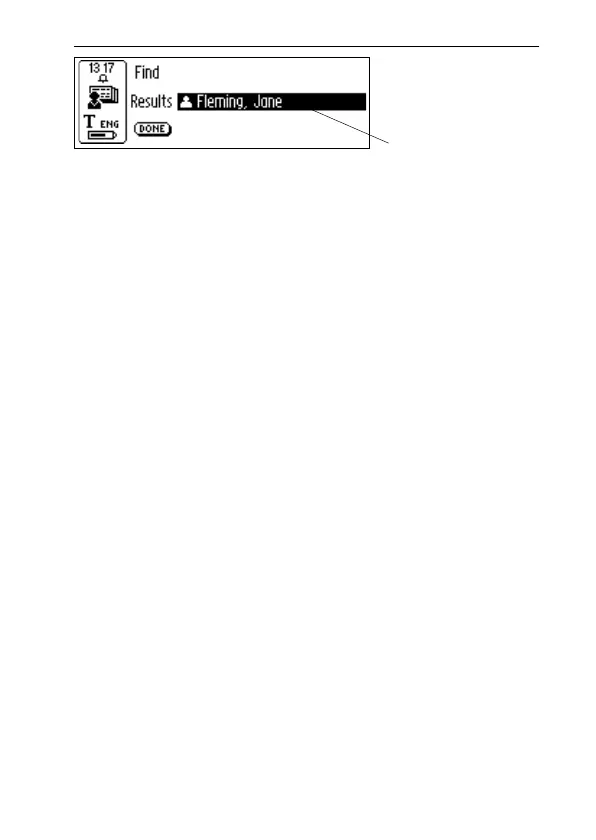
Select DONE to close the screen and return to the
C Address main screen.
If no matching text is found, a dialog box with the message
“Nothing found” appears. Select OK to go back to the Find
contact screen.
Delete a contact
Select a contact in the contact list and select Delete.
A dialog box will ask you if you are sure that you want to
delete the contact. Select YES. The contact is now deleted.
Exit C Address
You can exit C Address from the C Address main screen
by selecting Exit or by pressing ESC.
Search result



 To Next Page