60
In C Calendar you will always find the scroll bar on the
right-hand side of the display.
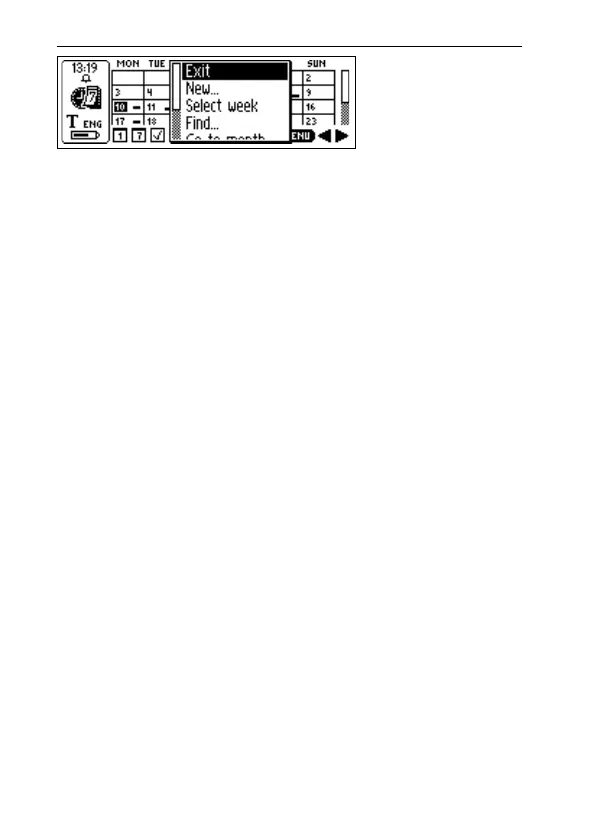
Pressing the Menu button opens the C Calendar main
menu with the following alternatives:
• Exit
Closes C Calendar and returns to the C-Pen main screen.
• New…
Opens a new event/task in the Event edit screen/Task
edit screen.
• Select week
Enables the selection of a whole week at a time in the
Month view. When a week is highlighted and Nav is
pressed, the chosen week’s Week view will be displayed.
• Select day
Enables selection of a day in the current Week view.
When a day is highlighted and Nav is pressed, the
selected day is opened in the Day view.
• Select event
Enables selection of one of the listed events in the cur-
rent Day view. When an event is highlighted and Nav is
pressed, all the event details are displayed. See the
Details screen, p. 68.
C Calendar
main menu
!



 To Next Page