75
Please make sure that you have the license key before
you delete a dictionary.
Using C Dictionary
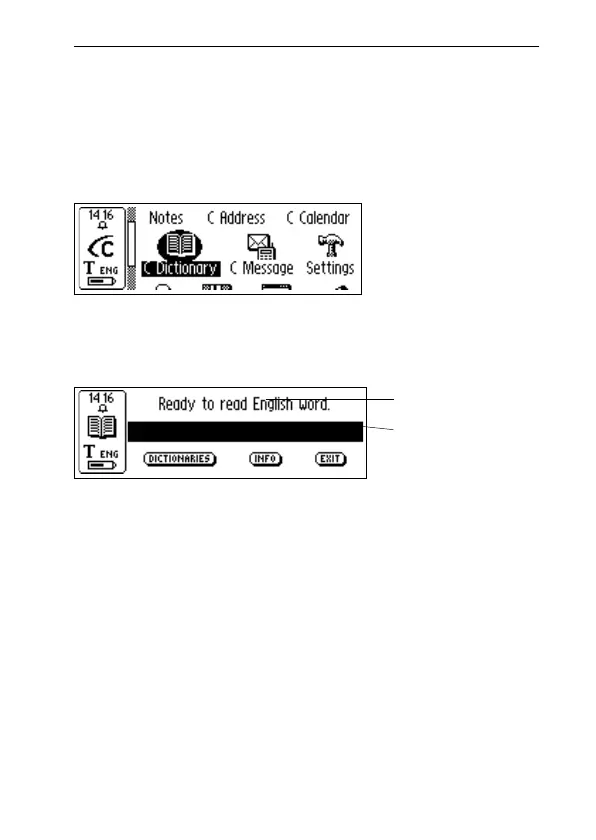
Start C Dictionary by selecting the C Dictionary icon in
the main screen and press Nav.
C-Pen is now ready to translate/look up words. If you want
to change dictionaries before you start reading,
see DICTIONARIES button, p. 80.
To translate/look up a word, just read the word with C-Pen
as usual. One of the following events will occur:
1. The word is found in the dictionary and the transla-
tion/definition is presented on the screen, see Trans-
lation/definition screen p. 77.
2. No exact match of the word is found in the dictionary,
a list of alternatives is displayed, see Word selection
list, p. 78.
3. Several words are read. The words are shown on a new
screen where you can select the words to be translated/
looked up, see Word selection screen, p. 79.
C-Pen
main screen
C Dictionary
main screen
Word edit box
The language from
which you want to
translate
!



 To Next Page