77
Word references
Some words in the dictionaries contain references to other
words. The references are displayed in bold italic style.
If you press Nav when a word reference is displayed, a
menu appears and you can choose to:
• look up the reference
• cancel the menu
• close the translation/definition containing the
reference
If you choose to look up the reference, the word will be
translated.
Translation/definition screen
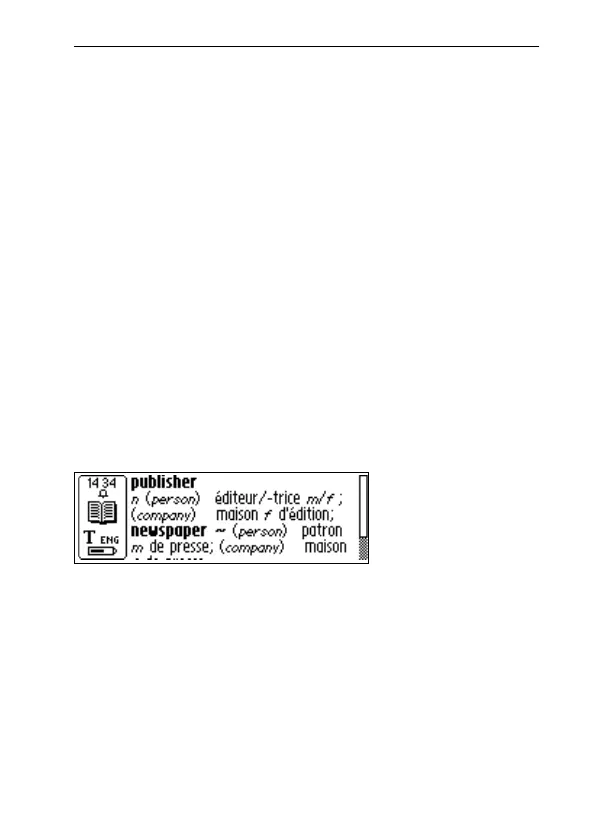
The Translation/definition screen displays the translation
of the selected word. If only part of the text will fit on the
display a scroll bar will appear. Turn Nav to scroll the text.
The meaning of bold and italic characters is explained in
Info, see Info button p. 80.
To cancel the scanned word/text and go back to the
C Dictionary main screen, press the pen tip briefly against
the surface (for a C-Pen with an automatic trigger) or press
Trigg briefly (for a C-Pen with a manual trigger).
Translation/
Definition
screen



 To Next Page