82
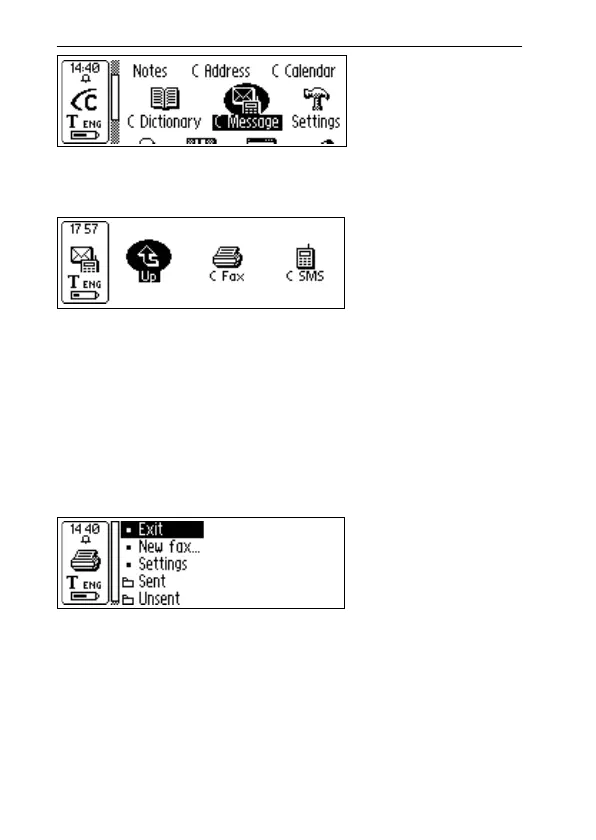
The C Message main screen is opened and you can now
send a fax or an SMS by selecting C Fax or C SMS.
In order to send a text file stored in Notes you have to open
Notes, select the file and in the menu that appears select
Send. A new menu containing the C Message options will
open and you can choose the desired alternative.
C Fax main screen
The C Fax main screen opens when C Fax is selected.
The options in the C Fax main screen are:
• Exit
Exits C Fax and returns to C Message main screen.
• New fax…
Opens the Contact list from which you can select to
whom the message is to be sent, see p. 84.
C Message
main screen
C Fax
main screen
C-Pen
main screen



 To Next Page