EasyManua.ls Logo

CADDX xGenConnect - Page 112

Default Icon
166 pages
Print Icon
To Next Page IconTo Next Page
To Previous Page IconTo Previous Page
Loading...
100 xGenConnect Installation and Programming Guide
Programming Sequence
6. Communicator
5. Channels
18. Channel Groups
a) Options
b) IP Config
c) Ethernet
d) Radio
e) Dial IP
6. Communicator
f) Email
17. Event Lists
g) Remote Access
h) System Event
Reporting
18. Channel Groups
4. Partitions
12. Partition Groups
a) Partition Options
b) Partition Timers
c) Partition Reporting
7. Schedule
18. Channel Groups
Instructions
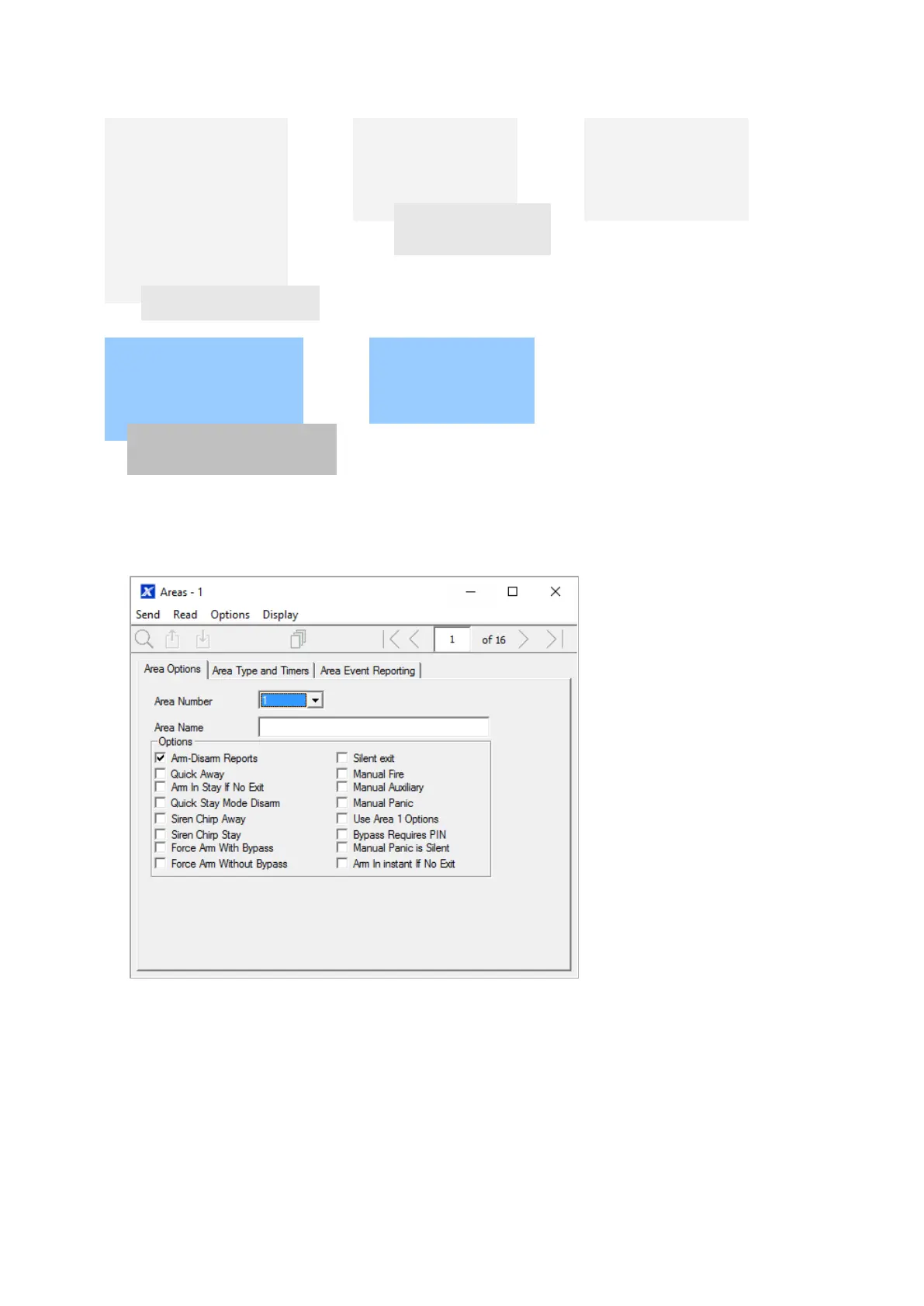
1. Go to Partitions.
2. Select a Partition Number.
3. Enter a descriptive name.
4. Select the Options you want to enable for this Partition. Partition 2 and above
have Use Partition 1 Options ticked to allow faster programming of your
system. Untick this box if you want to customize options for Partition 2 and
above.

Table of Contents