126 xGenConnect Installation and Programming Guide
Example
Programming Instructions for Actions
Goal
Create an action to monitor up to four input events and drive one output event
(action result).
Pre-conditions
Program the input and output events you want the Action to monitor or control.
Notes
• See xGen Reference Guide for more details on Actions.
• Write/Plan out on paper what you want to create to make it easier to set up
Actions and associated settings.
• Actions can be used without programming an Action Result. For example,
outputs are controlled by setting them to monitor an action, when the Action
State is true the output state will follow.
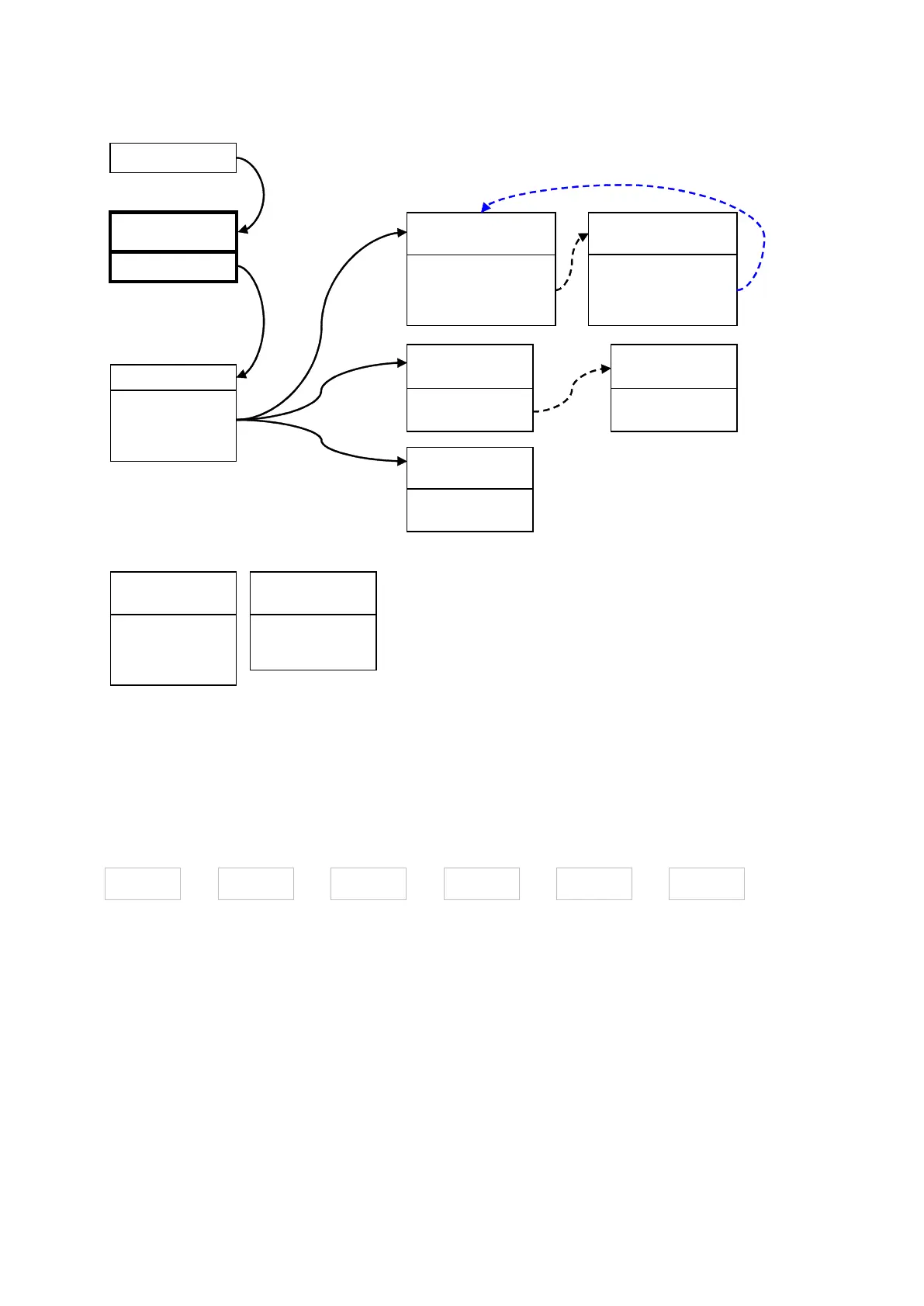
Menu 6.11.1.1
Menu System sends event to
Channel Group
Menu 18 – Channel Groups
Menu 17 – Event Lists
Channel Group sends event
to Channel it containsevery
After failing Channel Attempts on the last back up channel,
xGenConnect will go back to the first Channel in the chain
Sequence Attempts = 2
Menu 5 – Channels
Channels 1 and will attempt to send the event as AC Fail is on the 4
2corresponding Event List. Back up channels and 5 will also attempt
to send the event if they are used.
Channel will NOT send the event as Event List 2 does not include 6
AC Fail events.
AC Fail
System Event
Reporting
Channel 1
Control Room 1
Channel 2
Control Room 1
Channel Group 1
Channel 4
Control Room 2
Channel 5
Control Room 2
Channel 6
Email
Event List 1
Critical
Event List 2
Informational
Channel Group 1
Channel 1
Channel 4
Channel 6
Alarms
Bypass & Restore
AC Fail
Open & Closes
Autotest
Event List = 1
Channel Attempts = 3
Next Channel = 2
Event List = 1
Channel Attempts = 3
Next Channel = 0
Event List = 1
Next Channel = 5
Event List = 1
Next Channel = 0
Event List = 2
Next Channel = 0



 To Next Page