xGenConnect Installation and Programming Guide 31
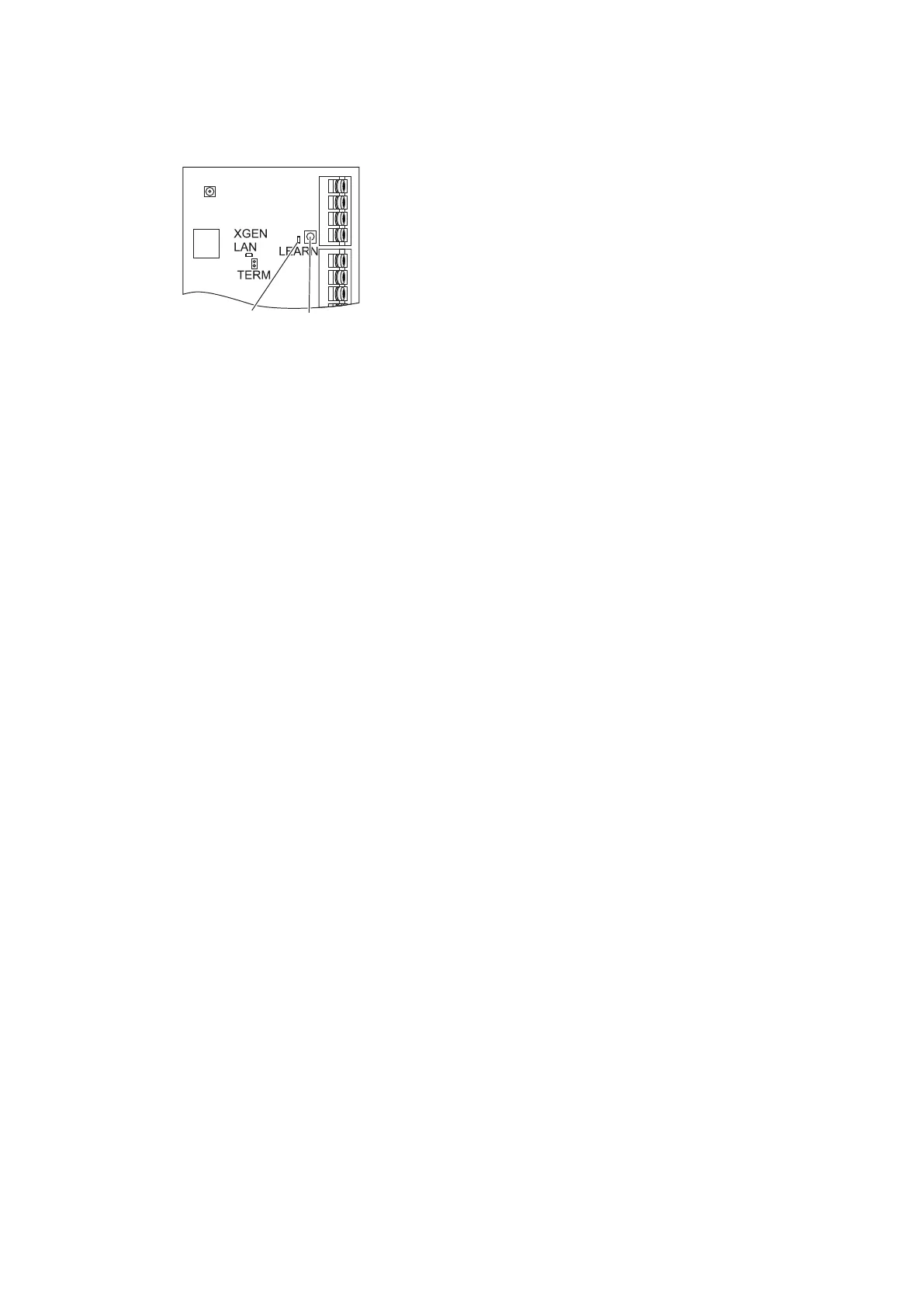
To enroll a module:
1. Press and hold the LEARN button until the LED next to the button blinks, then
release button.
(1) D5 LED located next to the LEARN button
(2) LEARN button
2. The panel is now in automatic enrollment mode and will search for new
devices.
3. The D5 LED will stop blinking to indicate enrollment mode is finished.
4. Proceed to programming the system and the additional devices.
When installing multiple xGen devices/modules, it is recommended to use
manual enroll to allow installer to control device numbering.
If auto-enroll does not complete for all connected devices:
1. Power cycle the panel/bus.
2. Connect batches of 4 devices at a time.
3. Push the LEARN button.
4. Confirm 4 additional devices enrolled.
5. Repeat for additional devices with batches of 4.
Enrollment can also be initiated:
• Using the NXG-18xx keypad: press Menu, Installer PIN, ENTER, go to
Program > Devices > System Devices > Control > Enroll Function – 0 =
Inactive – Automatic Enroll.
• Using the xGenConnect Web Server: click the Advanced Menu, go to Devices
> System > Control > Enroll Function > Automatic Enroll, click Save.
• Using DLX900: click Devices > Device Info > Auto Enroll.



 To Next Page