80 xGenConnect Installation and Programming Guide
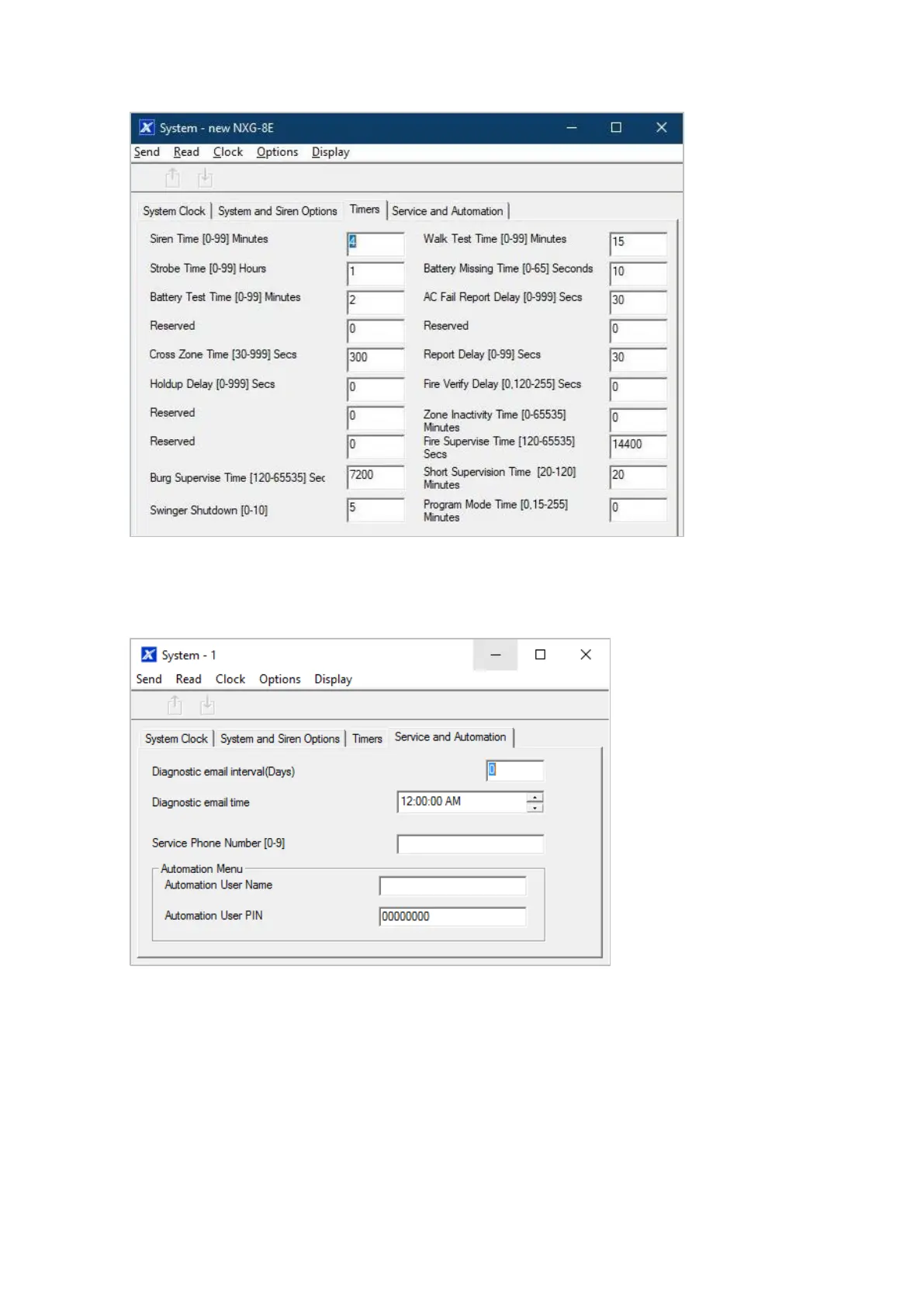
6. Go to Timers
7. Enter the settings for global timers. Note Entry/Exit times are not here, go to
Partitions > Partition Timers.
8. Go to Maintenance and Test
9. Enter a Diagnostic email interval. This is the number of days to wait before
sending an email at the specified time. This verifies email communication is
working.



 To Next Page