xGenConnect Installation and Programming Guide 83
Instructions
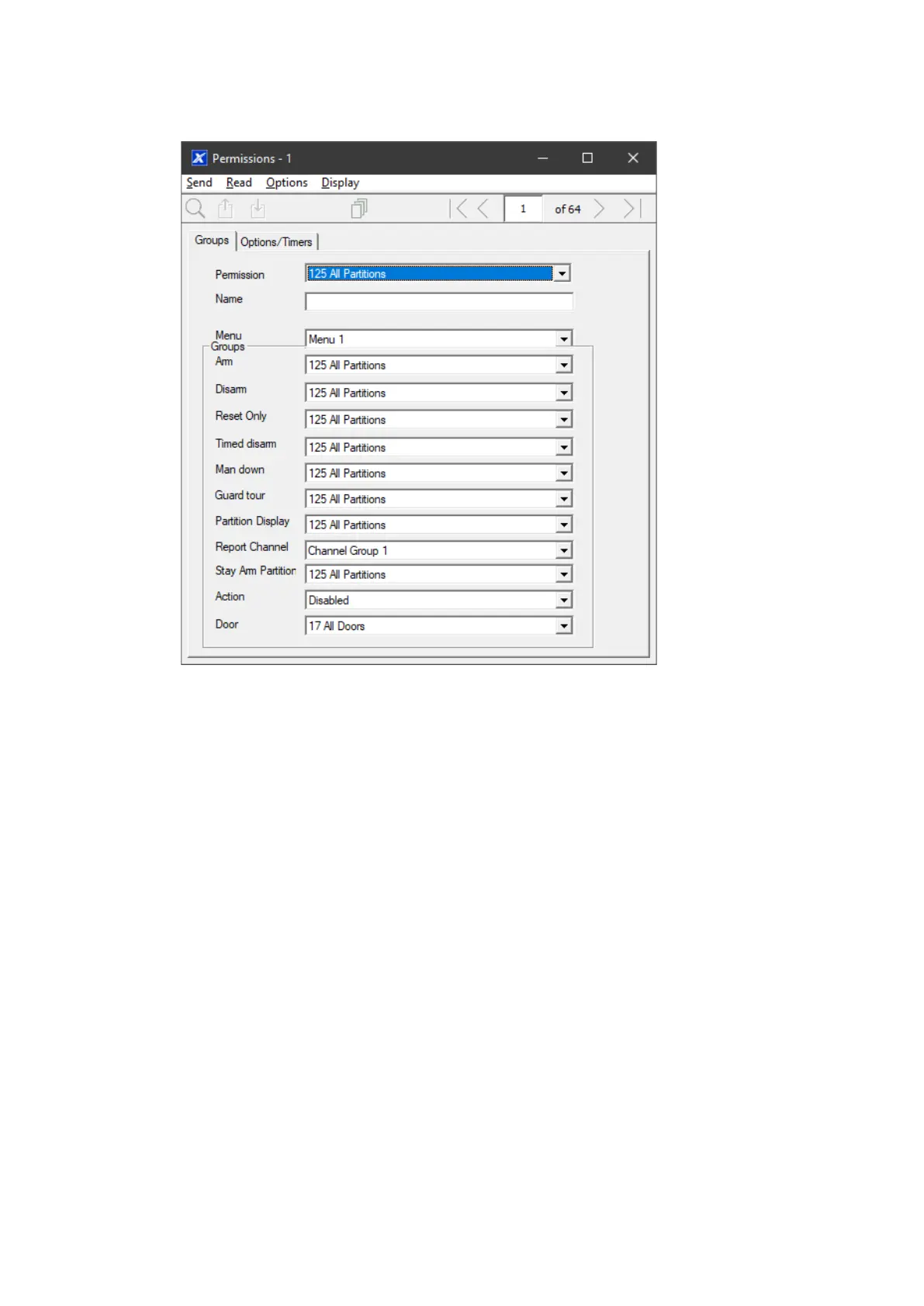
1. Open Permissions
2. Select the permission number you want to modify
3. Enter a functional name for the permission
4. Select the Groups for each item which will give access to the items selected
inside the group. For example, if this permission is assigned to a user, then
that user will have access to Arm each of the Partitions that are selected
inside the Partition Group and no others.



 To Next Page