42
UTOPIA OPERATING INSTRUCTIONS
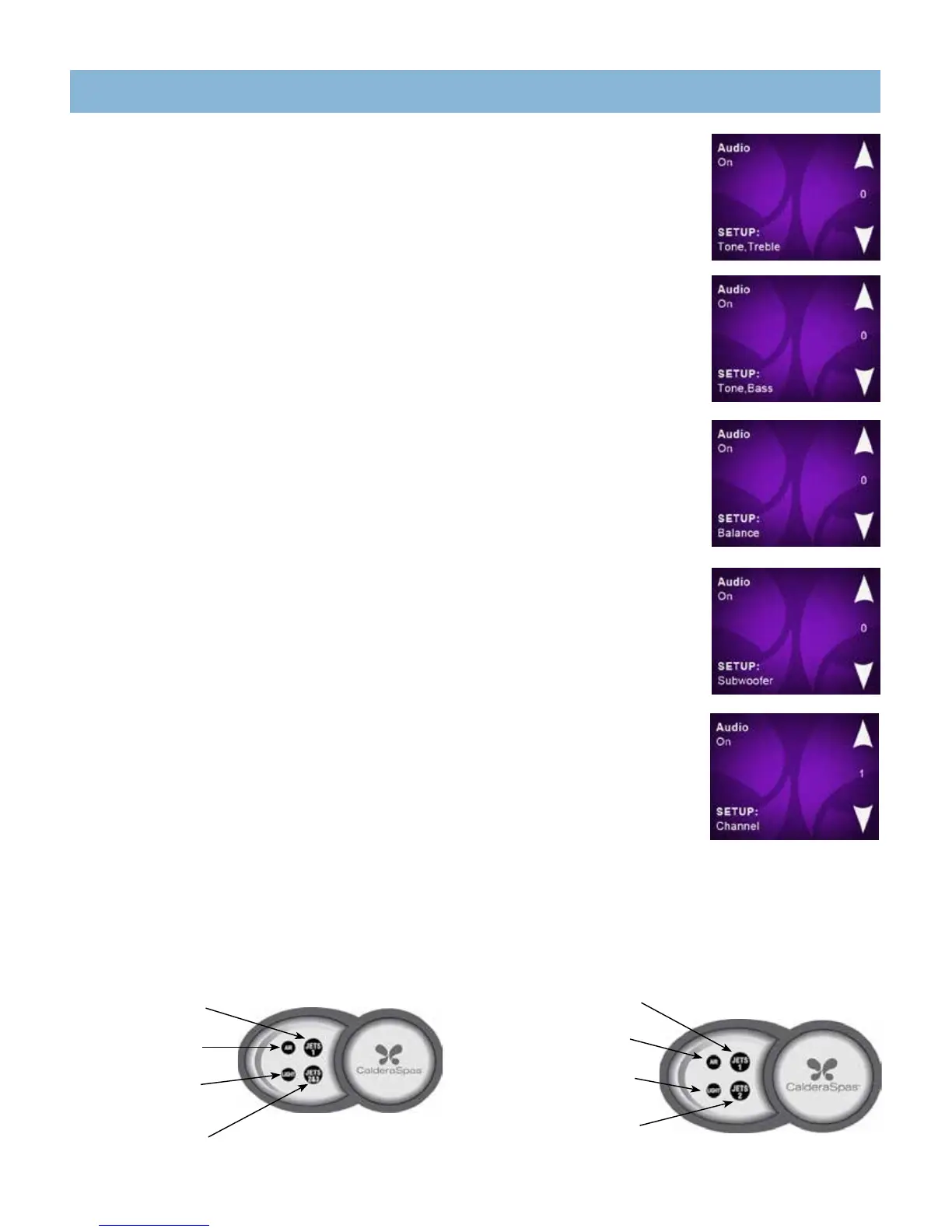
TO ADJUST TREBLE
From the SETUP Source menu:
• Press SETUP Source soft button to advance to the SETUP Tone, Treble screen.
• Press the soft button next to ▲ or ▼ to change the Treble between -5 and +5.
TO ADJUST BASS
From the SETUP Source menu:
• Press SETUP Source soft button to advance to the SETUP Tone, Treble screen.
• Press SETUP Tone,Treble soft button to advance to the SETUP Tone, Bass screen.
• Press the soft button next to ▲ or ▼ to change the Bass between -5 and +5.
TO ADJUST BALANCE
From the SETUP Source menu:
• Press SETUP Source soft button to advance to the SETUP Tone, Treble screen.
• Press SETUP Tone,Treble soft button to advance to the SETUP Tone, Bass screen.
• Press SETUP Tone,Bass soft button to advance to the SETUP Balance screen.
• Press the soft button next to ▲ or ▼ to change the Balance between -5 and +5.
TO ADJUST SUBWOOFER
From the SETUP Source menu:
• Press SETUP Source soft button to advance to the SETUP Tone, Treble screen.
• Press SETUP Tone,Treble soft button to advance to the SETUP Tone, Bass screen.
• Press SETUP Tone,Bass soft button to advance to the SETUP Balance screen.
• Press SETUP Balance soft button to advance to the SETUP Subwoofer screen.
• Press the soft button next to ▲ or ▼ to change the Subwoofer Volume between 0 and 11.
TO CHANGE AMPLIFIER CHANNEL
(TO MATCH WIRELESS DOCK TRANSMITTER INSIDE HOUSE IF INSTALLED)
From the SETUP Source menu:
• Press SETUP Source soft button to advance to the SETUP Tone, Treble screen.
• Press SETUP Tone,Treble soft button to advance to the SETUP Tone, Bass screen.
• Press SETUP Tone,Bass soft button to advance to the SETUP Balance screen.
• Press SETUP Balance soft button to advance to the SETUP Subwoofer screen.
• Press SETUP Subwoofer soft button to advance to the SETUP Channel screen.
• Press the soft button next to ▲ or ▼ to change the Channel number from 1-5. The Channel number in the spa must match the channel number on the Transmitter in
the house for the wireless system to work.
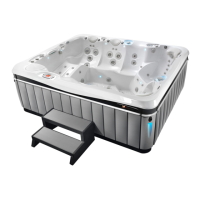
GENEVA • TAHITIAN • NIAGARA
JETS 1 button
Activates jet pump 1
AIR button
Activates the air jets
LIGHT button
Activates the interior
& exterior lighting
JETS 2 button
Activates jet pump 2
& Waterfall
AUXILIARY PANELS
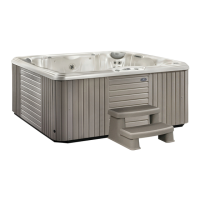
CANTABRIA
JETS 1 button
Activates jet pump 1
and waterfall
AIR button
Activates the air jets
LIGHT button
Activates the interior
and exterior lighting
JETS 2 & 3 button
Activates jet pumps 2
and 3 and waterfall



 To Next Page