CALIENT OCS WebGUI Quick Start Guide
Page 19 of 63
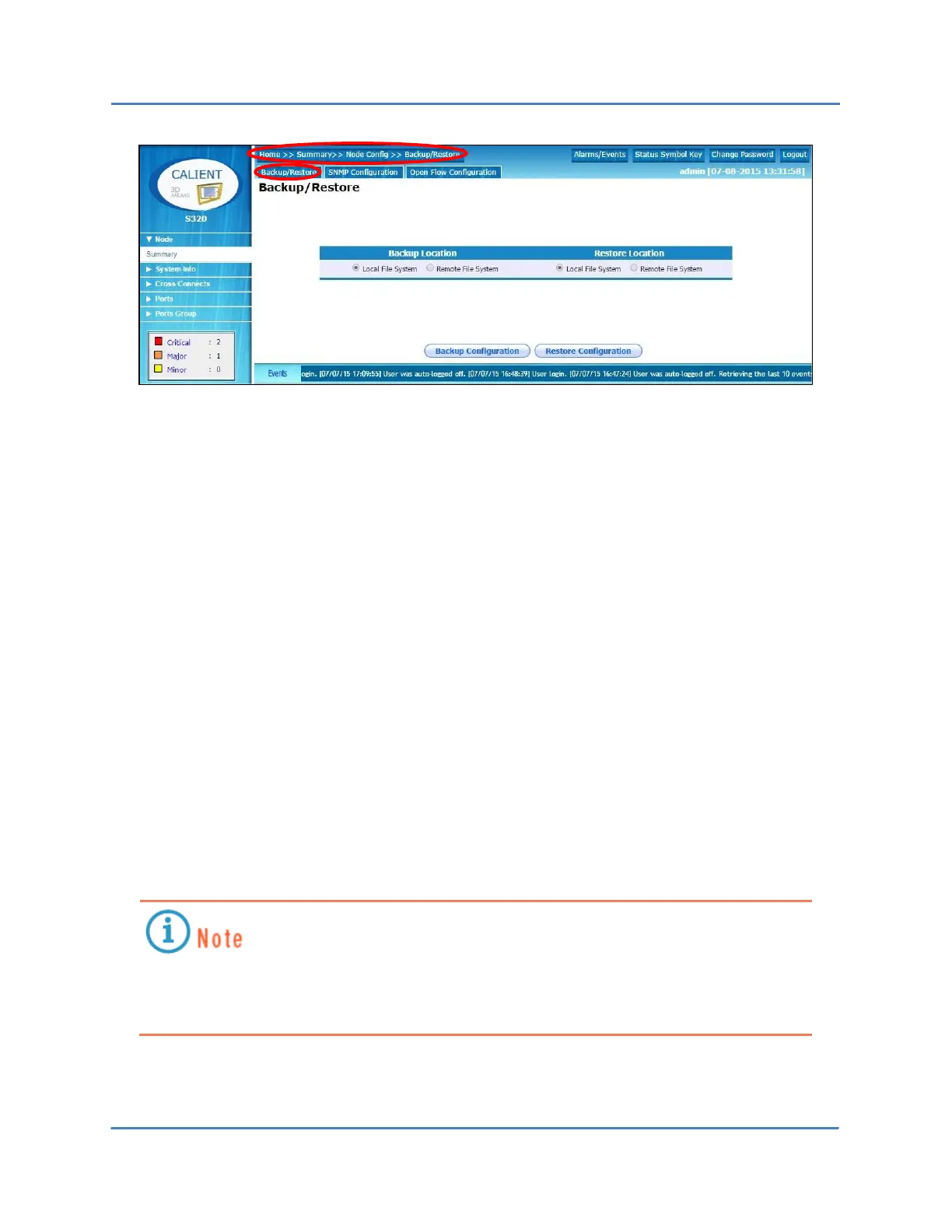
3. To back up the system, do the following:
a. Under Backup Location, click the Local File System radio button or the Remote File
System radio button to select it as the location for the backup.
If the Remote option is selected, the SCP Server Configuration settings mentioned
in section 4.1.1.2 will need to be configured.
b. Click the Backup Configuration button at the bottom of the screen to perform a
complete backup of the database, including port thresholds /ALIAS/PORTGROUPS
and Connection Information.
4. To restore the system, do the following:
a. Under Restore Location, click the Local File System radio button or the Remote File
System radio button to specify which will be used for the restore.
If the Remote option is selected, the SCP Server Configuration settings mentioned
in section 4.1.1.2 will need to be configured.
b. Click the Restore Configuration button at the bottom of the screen to restore the
system database.
Restoring the configuration will purge the existing database by overwriting it with the
backup copy. CALIENT recommends maintaining a copy of backups and performing a
backup of current data prior to restoring the system.



 To Next Page