User Manual – Rev AY AMETEK Programmable Power
MX Series 49
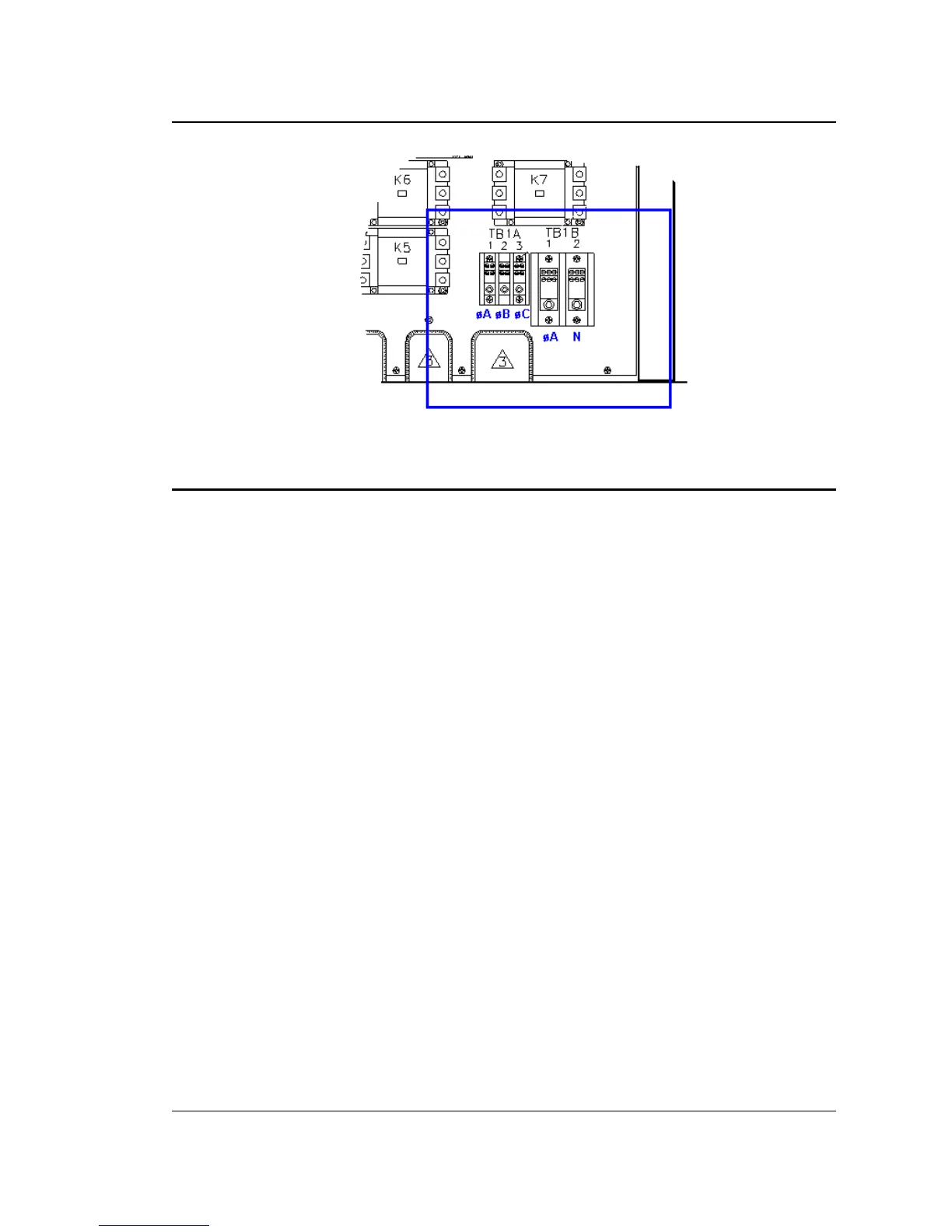
Figure 3-6: Location of Output Terminals (Front view)
3.6.2 MX45-1, MX30-1, MX30-3Pi and MX45-3Pi 1 ø mode Output Wiring Diagram
Figure 3-7 shows the required output connections for a MX30-1, MX45-1, MX30-3Pi or MX45-3Pi
in single-phase mode output configuration (rear-view perspective). See section 3.6.3 for the
MX30-3Pi or MX45-3Pi in three-phase mode.
Always disconnect all input power from the MX before removing the front panel cover that
provides access to the input and output terminal connections. Route the wires from the back of
the MX to the front in the provided cable guides.



 To Next Page