Check the viewing angle
9
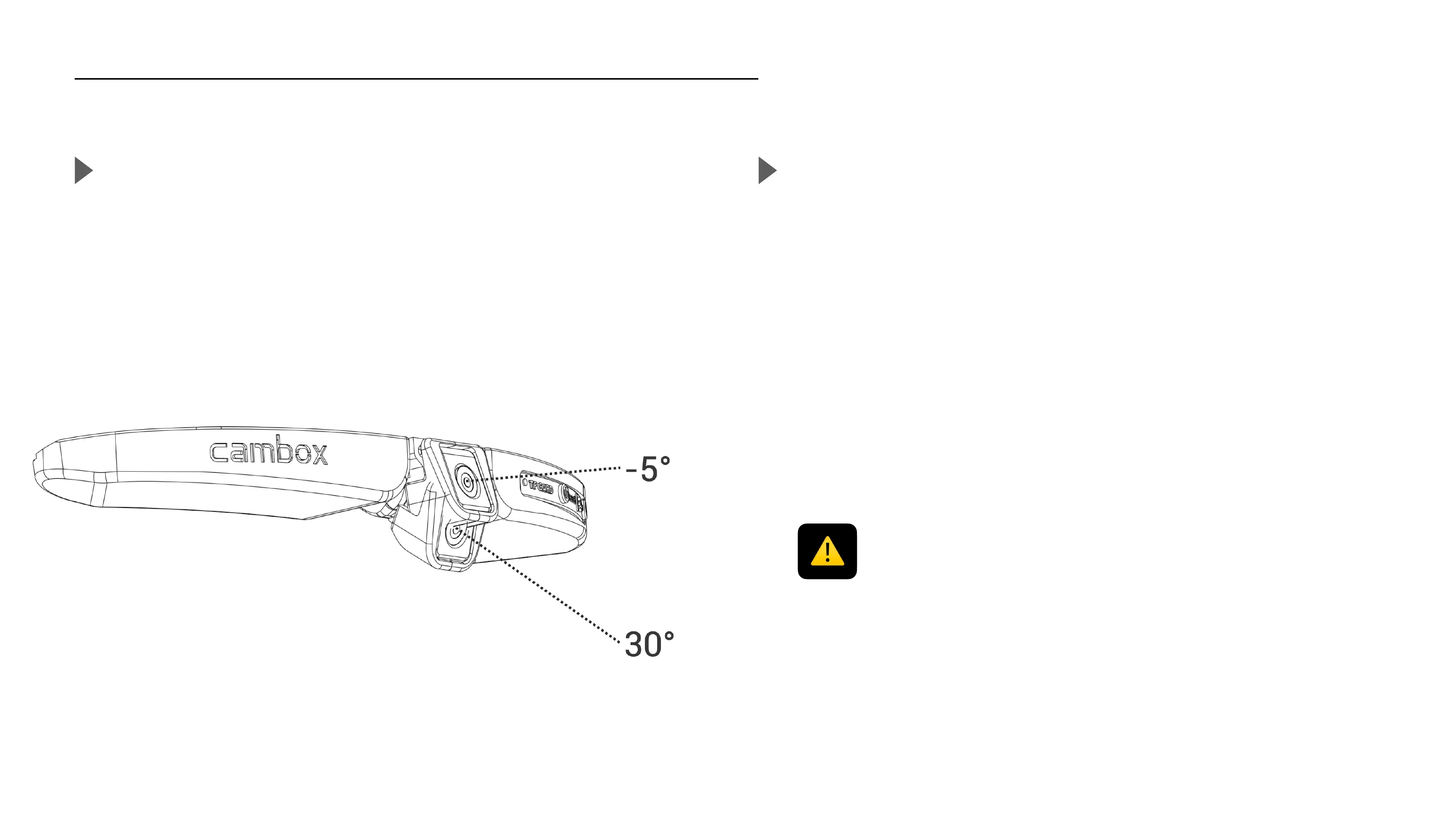
Set the viewing angle
Adjust the lens
The central part of the Cambox has a central tipper that allows you to
modify the viewing angle on 35°. The selection of the angle is made
easy and maintained thanks to its integrated notches system.
In order to define accurately the desired viewing angle, download and
install our application on your smartphone to check in real time your
viewing angle thanks to the live preview.
During the viewing angle set up, be careful not to touch the camera lens with your fingers as
this could result in blurred or degraded images. Before every use, it is recommended to clean
the camera lens using the provided cleaning cloth.



 To Next Page