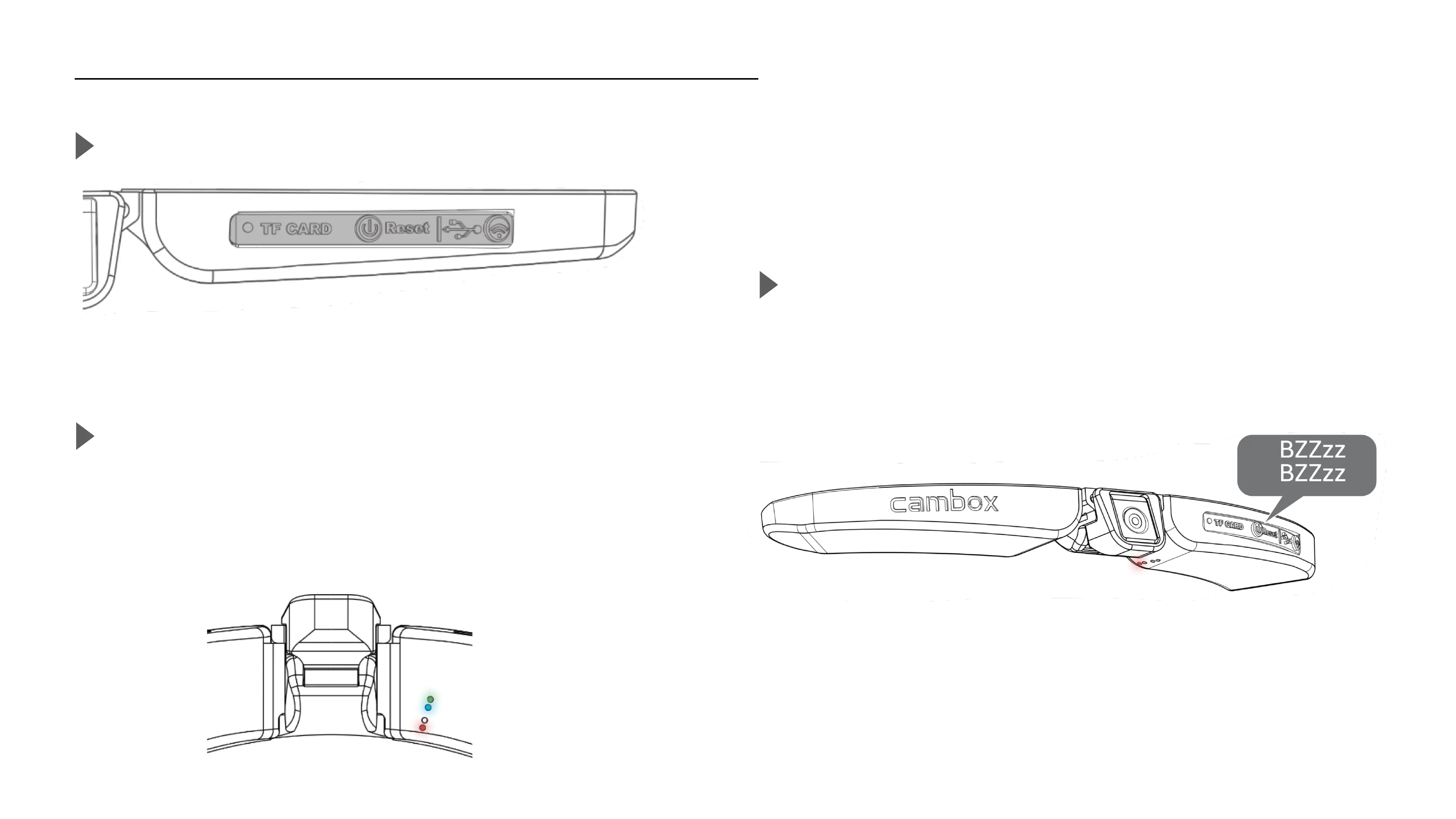
Charge the battery
11
PLUG THE USB CORD
Open the rubber flap and plug the cable in the USB socket
CHARGE IN PROGRESS, LISTENING MODE
Once the USB cable is plugged to an external source, the green,
blue and red LEDs appear simultaneously. With this charging mode
it is still possible to launch a record or enable the Wifi
CHARGE IN PROGRESS , STANDBY MODE
After 3 minutes of charge, the Cambox emits a vibration and a red
light appears indicating the recharge is in progress.



 To Next Page