M
N
1
1
2
Page 6 - Manual FB00884-EN - vers. 1 - 09/2017- © Came S.p.A. - The contents of this manual may be changed, at any time, and without notice.
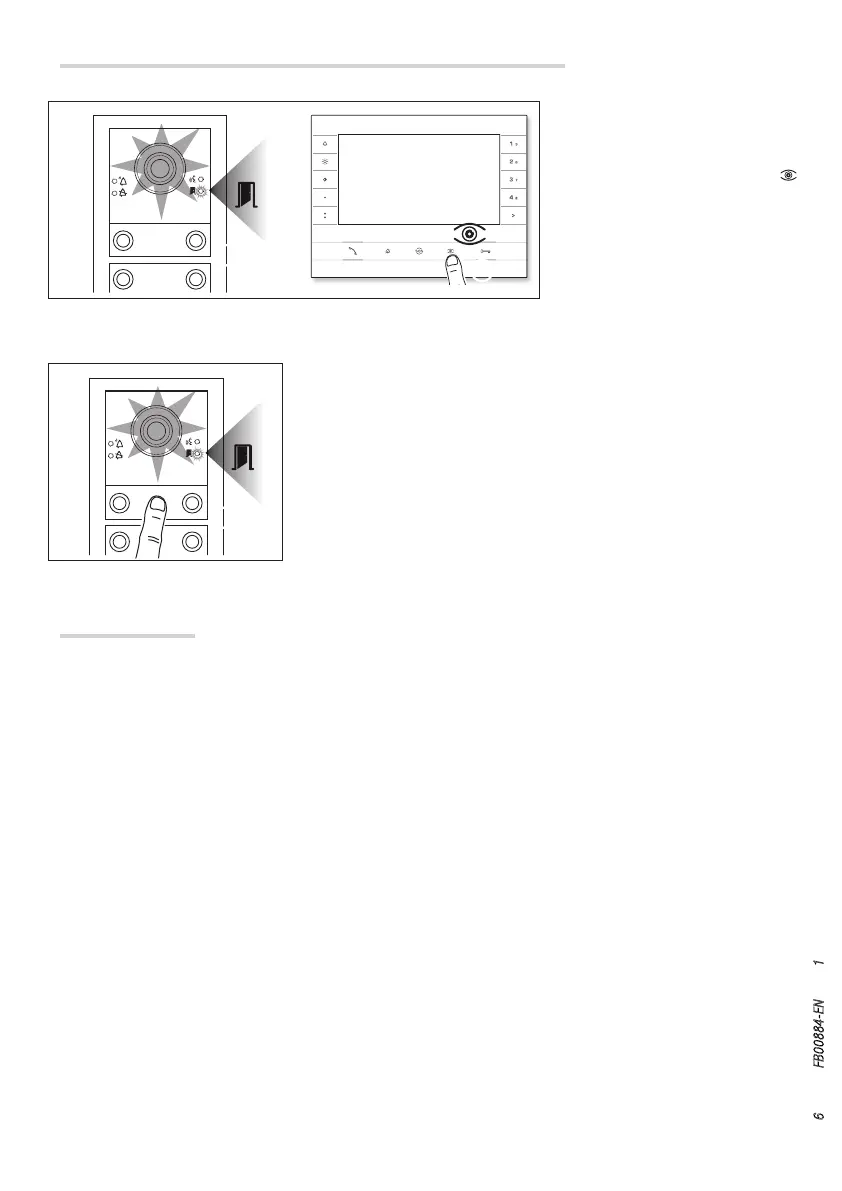
While programming calls M 1 the
brightness level of the entry panel
can be adjusted from any receiver.
Pressing the “self-connection
” button on the internal receiver
M
2 activates the video camera
on the entry panel for which the
brightness level is to be adjusted.
Reprogramming
Reprogramming a system which has already been programmed, you access the call programming phase directly.
To access button reprogramming, follow the process for forcing the mode switch described above (Page 4).
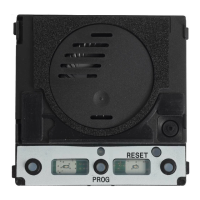
If you add, replace or remove an entry panel, you must follow the “programming buttons” procedure so that the
system recognises the changes.
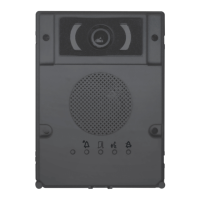
Adjusting the brightness level of the light on the entry panel
Use a previously assigned call button to increase/decrease brightness of
the light N.


 To Next Page
 Loading...