M1
BOUT
M2
SW3
PROG
RESET
PROG
>3’’
<6’’
M1
SW3
PROG
RESET
PROG
Page 11 - Manual FA01429-EN - 07/2020 - © CAME S.p.A. -The contents of this manual may be changed, at any time, and without notice. - Translation of the original instructions
Terminal board M1
BOUT Busbar
+
–
16-18 VDC power supply
Terminal board M2
– Earth
Door release button (NA)
Electric lock
12 V 1 A max
–
Technical data
T
e LVC/01
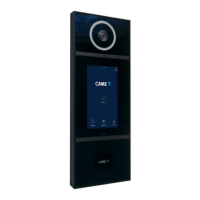
Entry panel
Power supply 16-18 VDC
Power draw
250 mA (100 mA stand-by)
Size 99x207x30 mm
Storage temperature -25°C +70°C
Operating temperature -15°C +50°C
IP Rating IP 54
Video camera
Video standard PAL/NTSC
Resolution 680x512 pixels
Minimum lighting 1 LUX
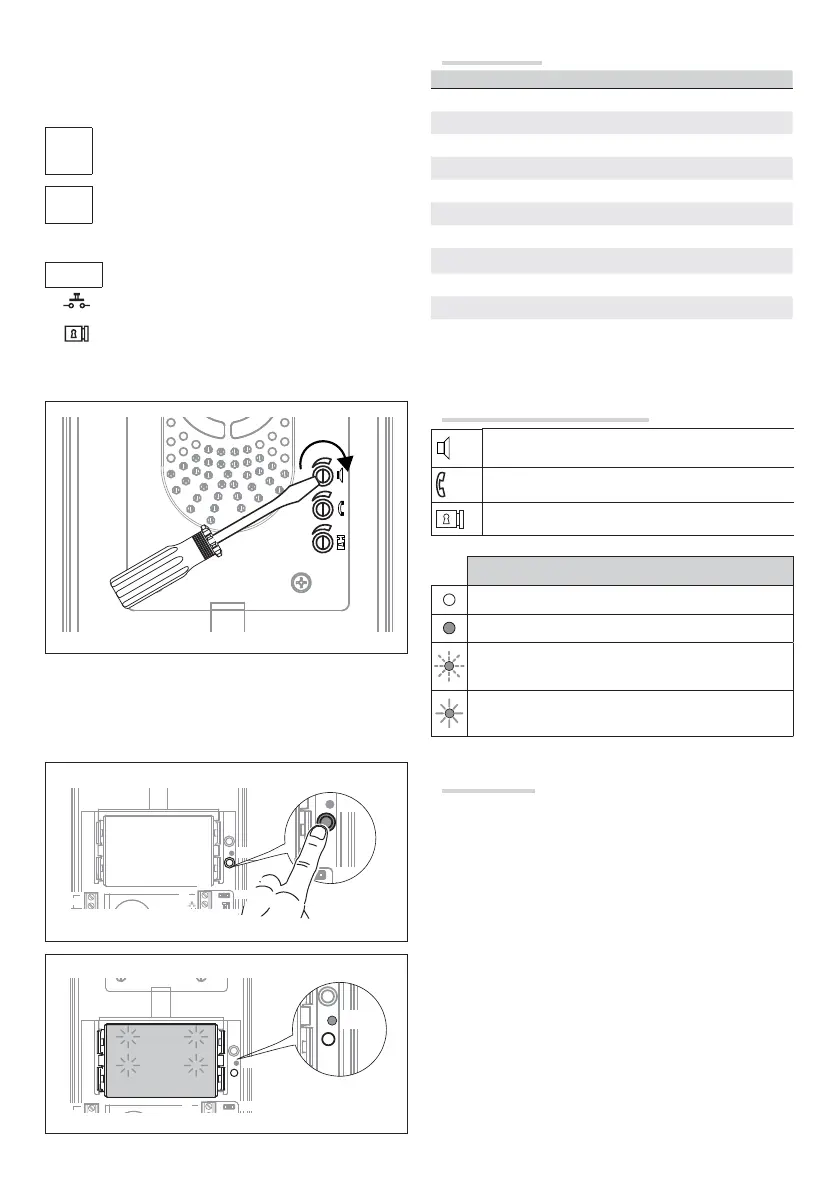
LED functions and adjustment
speaker audio
microphone audio
solenoid lock 1-10 s. (default 1 s)
LED symbols
O
On
Slow fl ash
Quick fl ash
Programming
Programming for the fi rst time
Entering programming mode. Press and hold the PROG key
for at least 3 s, then release it (within 6 seconds) as soon as
the PROG LED lights up and the button backlighting fl ashes as
illustrated in fi gure .
If the PROG LED does not light up, there has been a malfunction.
Check the connections and return to programming mode.



 To Next Page
 Loading...