1
2
Page 6 - Manual FA 01624 -E N - 03/2022 - © CAME S.p.A. -The contents of this manual may be changed, at any time, and without notice. - Translation of the original instructions
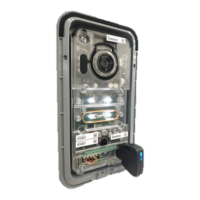
Call forwarding
With a call active, select the internal receiver to which you want to transfer the call.
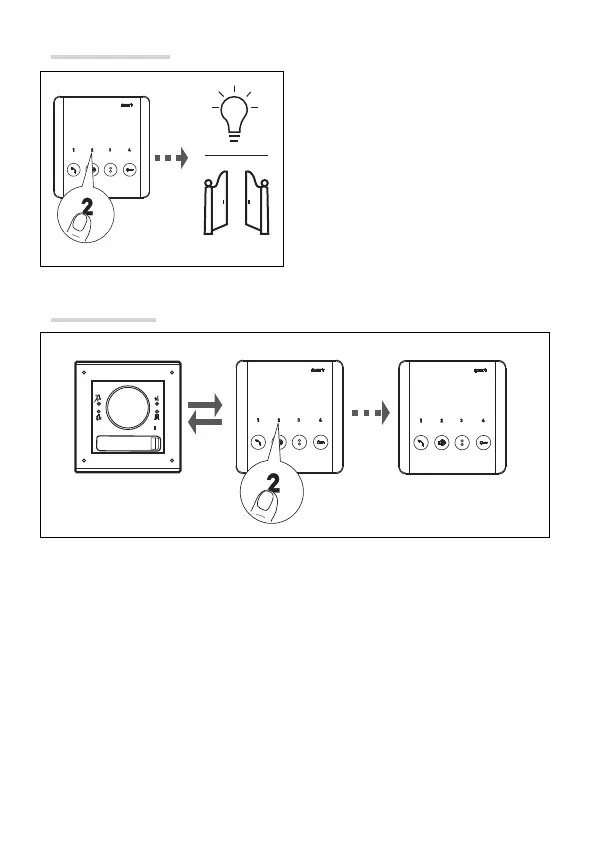
Auxiliary controls
Press the AUX button to activate the desired
auxiliary command.
Example switching on a light or opening
the gate.
☞Accessory devices may be required for
these commands to work properly.



 To Next Page