28
OPERATION
OPERATION
#415-R1
8-15-18 - JR
The Main Window
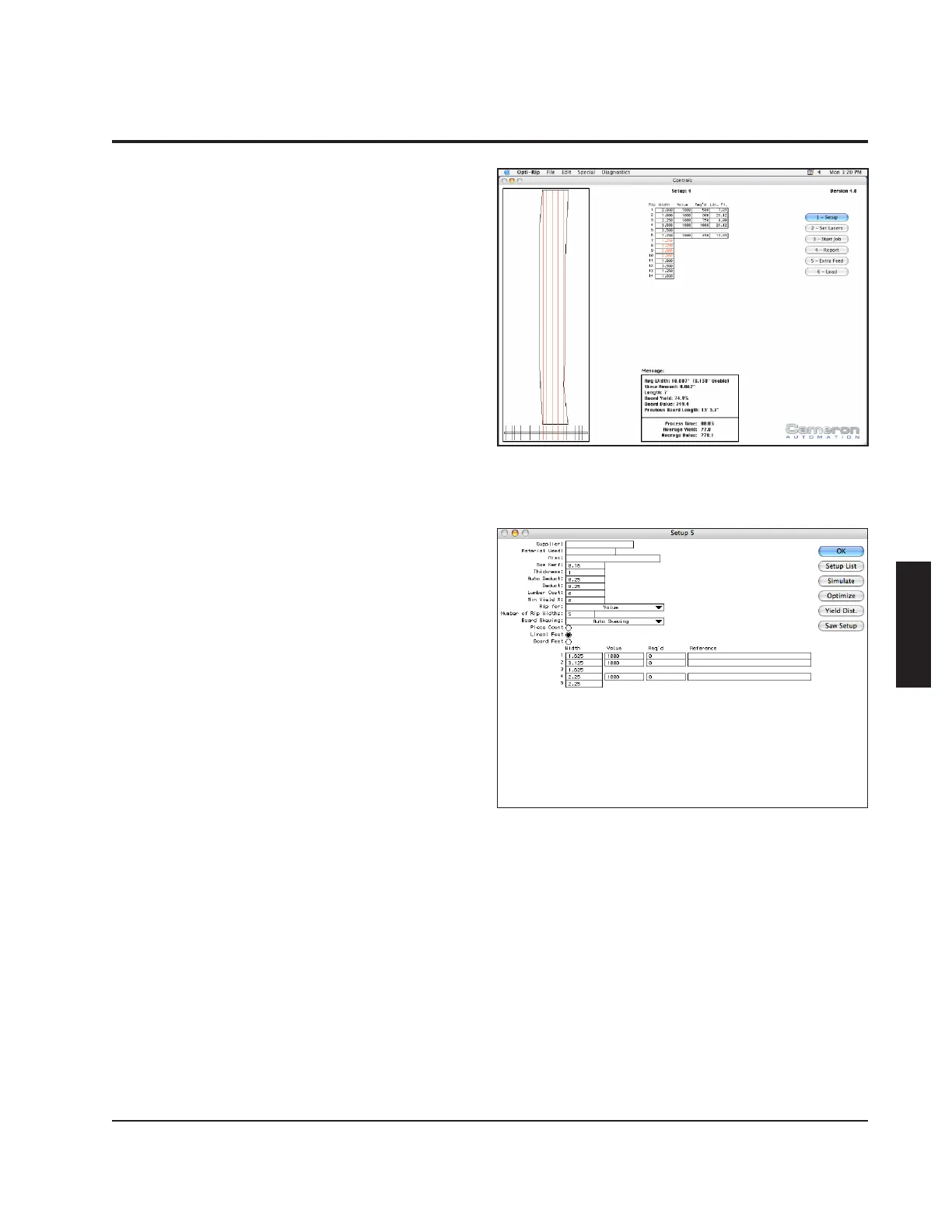
When the Opti-Rip is powered up, the
main screen should be displayed on the
computer, and the machine should be ready
to run. This screen displays a graphic
representation of the saw arbor conguration
and the current board being processed.
It displays the selected values, required
quantities and the cumulative quantities of
each respective rip width. It also displays
current board information, cumulative values
and yields, the values of the auto-deduct
and deduct features as well as the process
time of the job currently in process.
Edit Setups
By clicking on the "Setup" button or the "1"
key, the operator can edit one of the 500
setups available. Setups are numbered
from 1 to 500. The reference number of the
current setup is displayed in the title bar of
the setup screen. Before information can be
entered into the setup editing window, a saw
arbor must rst be congured. To switch
from one setup to another, press the "Setup
List" button.
Conguring the Saw Arbor
One of the most important preparations that
must be done is to assemble the saws on
the saw sleeve in the order that will satisfy
the following:
1) Provide the proper rip widths.
2) Utilize the lumber to the maximum
efciency.
3) Generate the various rip widths in the



 To Next Page