35
OPERATION
OPERATION
#415-R1
8-15-18 - JR
found at the end of the Operation section of
this manual.
Extra Feed
From time to time, a board may feed into
the saw, but not get picked up by the saw
feeding mechanism. When this happens,
clicking the "Extra Feed" button on the main
screen will cause the machine to pinch and
feed the board a second time.
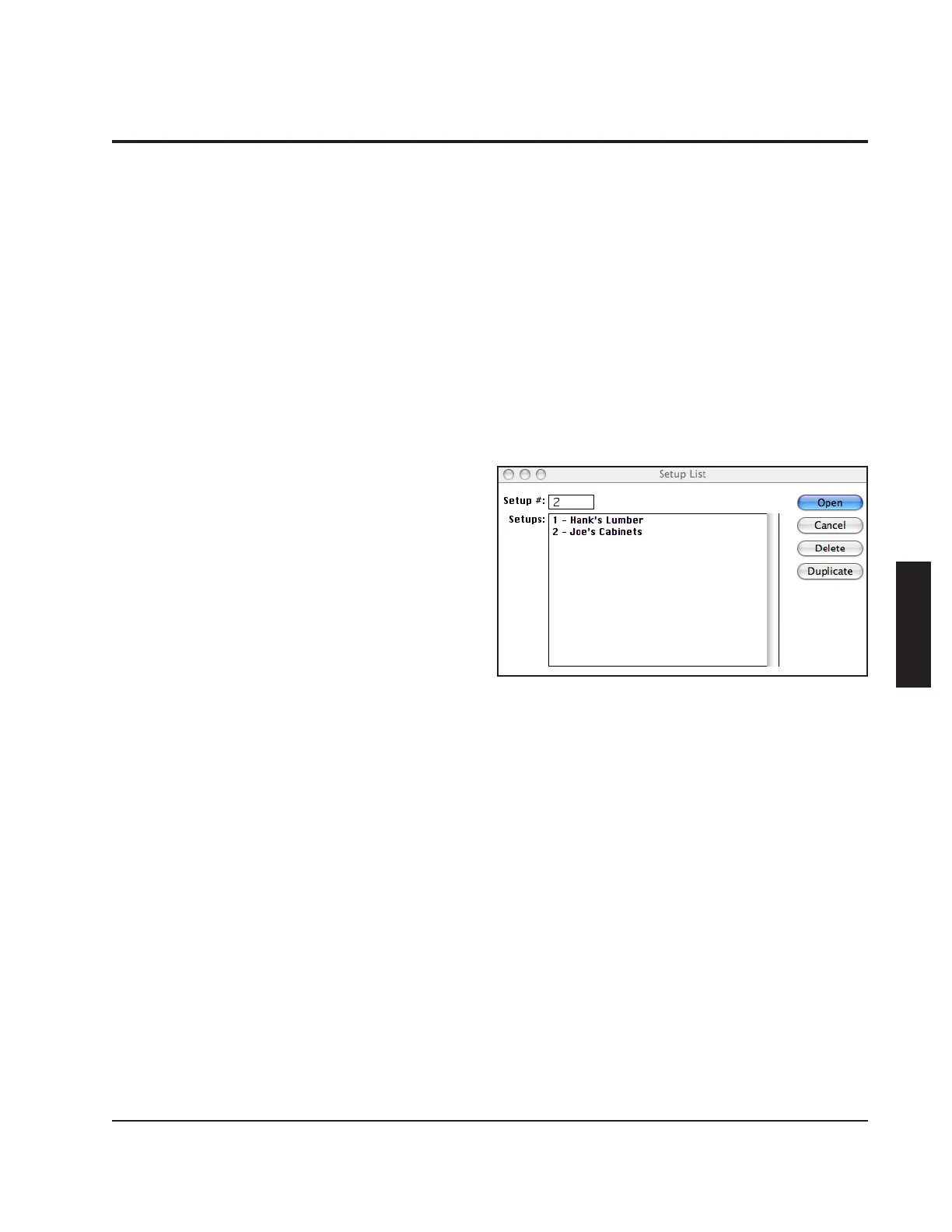
Setup List
Each setup contains the setup information
for a particular job. Production tallies and
board data collected are also associated
with setups which means that you can start
a job on one setup, switch to another setup
at any time to run a different job, and switch
back to the original setup to resume the rst
job.
To create a new setup or switch to a different
setup, click the "Setup List" button on either
the main screen or from within the "Edit
Setup" screen. A list of available setups will
be displayed. To create a new setup, click
on one of the setups in the list, then click the
"Duplicate" button to duplicate it. To select
an existing setup, click on the setup, then
click the "Open" button.
Orders
Your Cameron Rip Software contains a
powerful feature for custom moulding and
millwork shops that will help you get the
most from your machine and from your
lumber. When your customers place an
order, you enter this order into the Opti-Rip
Software through the "Orders" menu. By
entering your upcoming orders, you are



 To Next Page