38
OPERATION
OPERATION
#415-R1
8-15-18 - JR
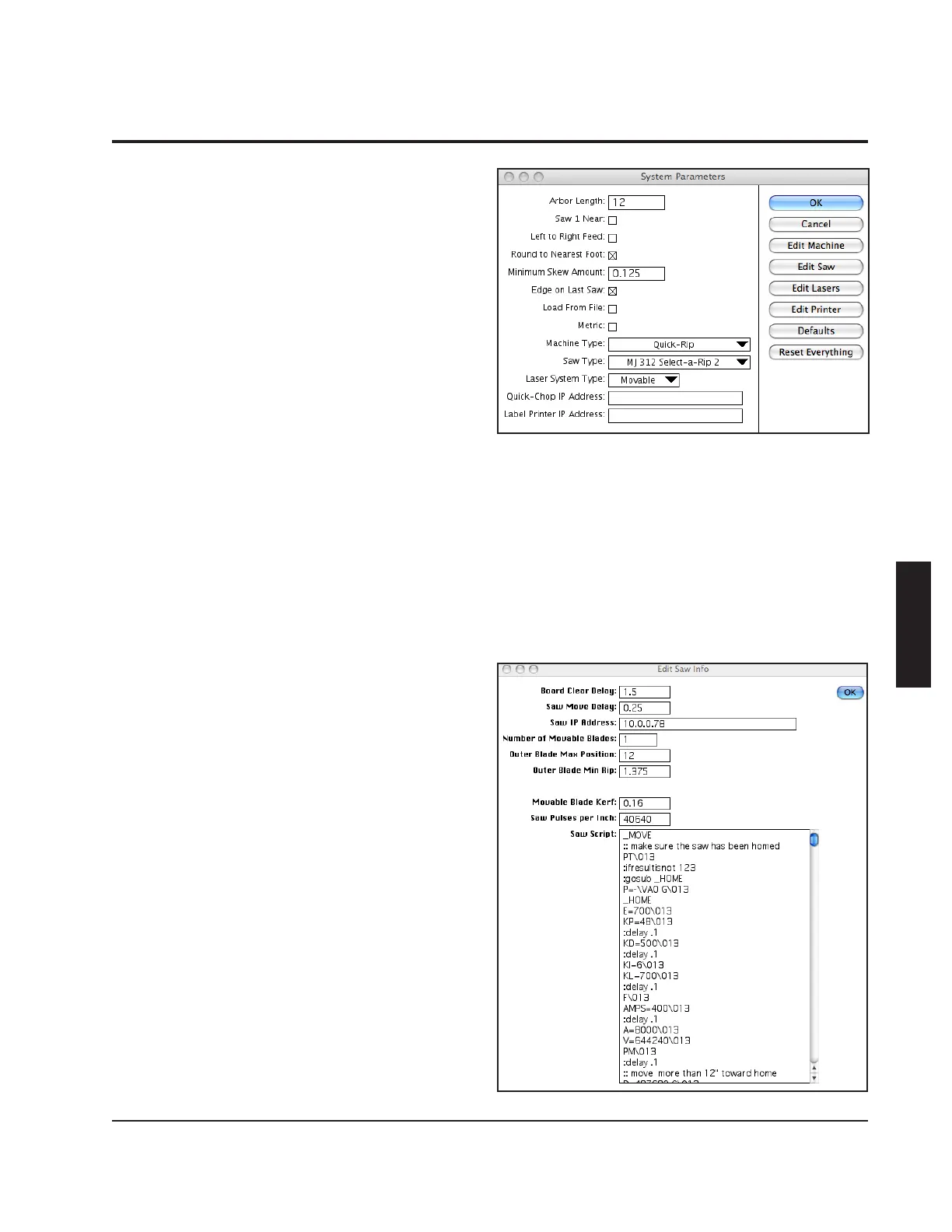
Min. Skew Amount - This value determines
the minimum amount (in inches) a board
will be skewed. Skewing will be ignored on
boards that need to be skewed less than this
amount.
Edge on Last Saw - When this is checked,
the machine will use the outermost saw
when edging boards. If it is not checked, the
innermost saw will be used.
Load from File - When this is checked, the
"Setup List" button on the main screen will
be changed to "Load". It's function will also
change to allow the operator to load setup
les that were created off line.
Metric - When this is checked, the machine
operates using the metric system.
Machine Type - This should be set to the
type of machine (Opti-Rip, Quick-Rip, Skew)
that the software is operating. It will change
the software slightly to match the machine.
Clicking on the "Edit Machine" button will
bring up additional system parameters
specic to that machine (see below).
Saw Type - This should be set to match the
type of saw that the Opti-Rip is feeding. For
moving blade saws, the "Edit Saw" button
will bring up another window with additional
system parameters pertaining to the
particular saw that is selected. The Board
Clear delay is the time (in seconds) the
machine waits from when the board present
curtain sensor stops seeing a board until
when it is safe to start moving the saw blade.
This number should be set when the saw
feed is running at the slowest value that is
likely to be used. The saw move delay is the



 To Next Page